
Use these tips to implement and validate the Payment Form effectively. They act as early validation steps, covering everything from BIN-based extra fields and custom styles to browser support and iframe requirements. This helps you spot gaps early, speed up launch, and accept payments confidently.
Additional fields
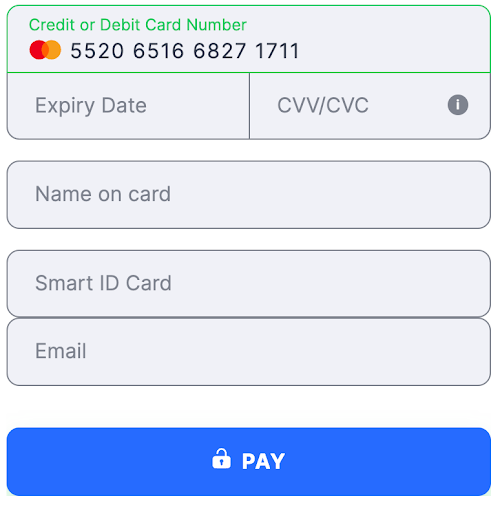
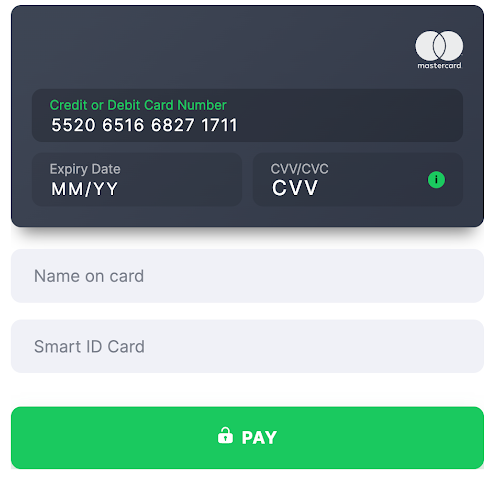
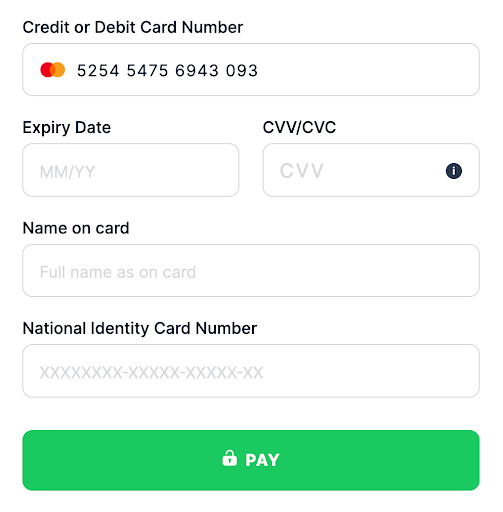
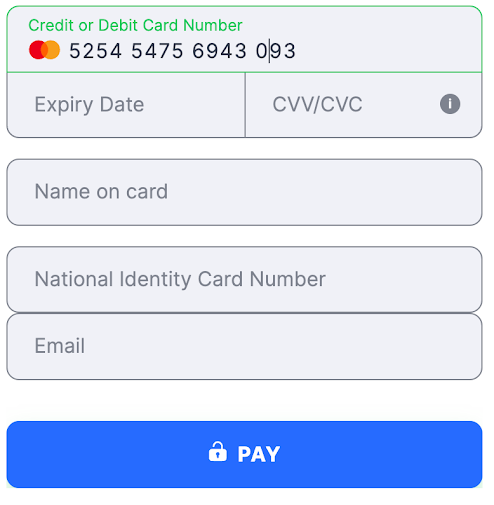
The Payment Form checks the Card BIN and receives a list of necessary additional fields according to information about the BIN country (the first six digits).
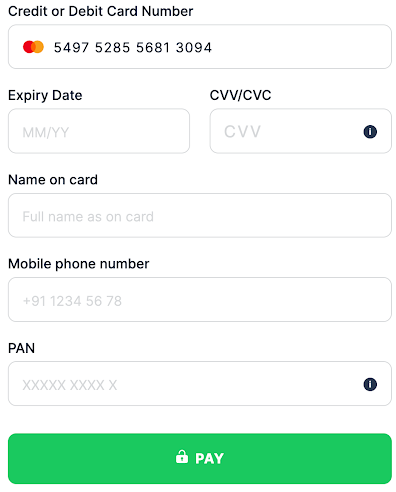
Also, depending on the provider, the customer’s phone number parameter is often used to verify the identity of the person making a payment, such as with india_pan in India.
argentina_dni- Country Argentina
- Country Code ( ISO-3166 Wiki ) ARG
- Field Title DNI
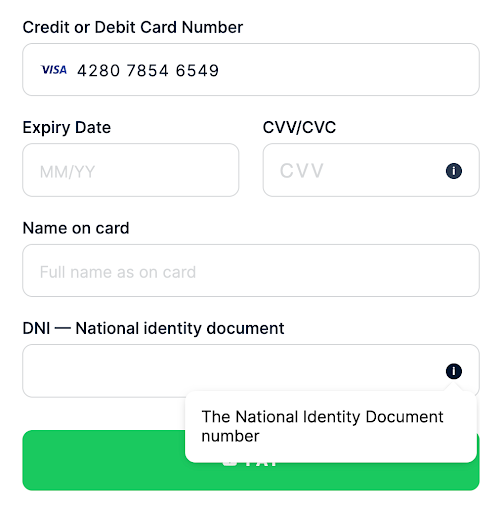 flat
flat
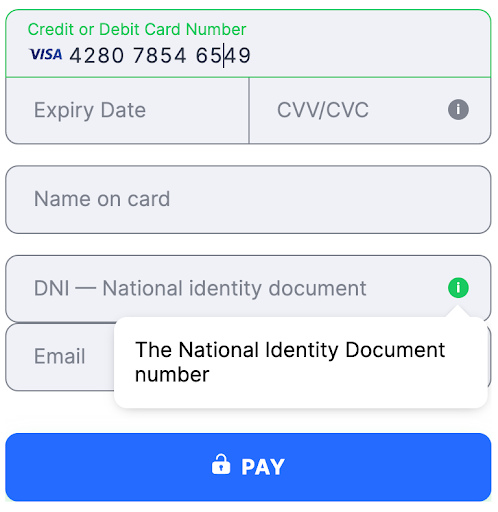 card
card
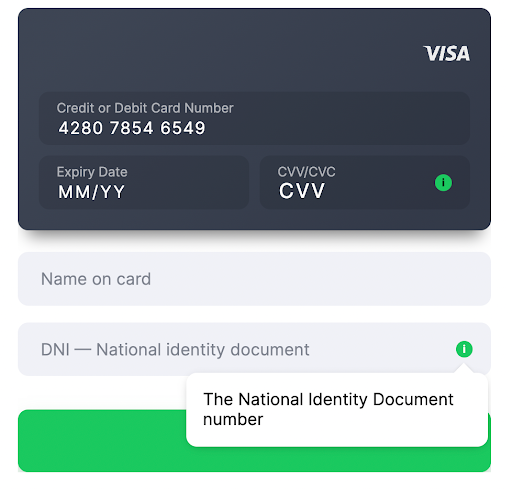 bangladesh_nic
- Country Bangladesh
- Country Code ( ISO-3166 Wiki ) BGD
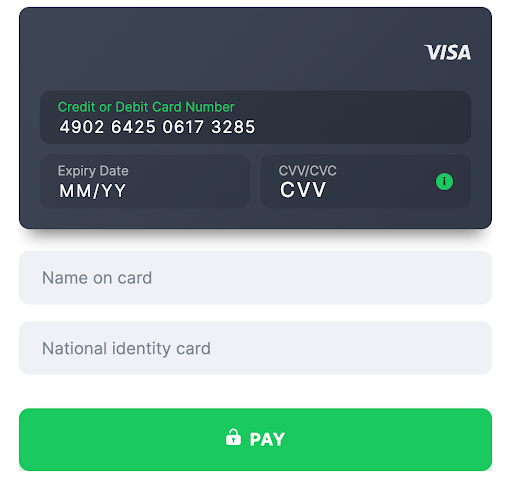
- Field Title National identity card
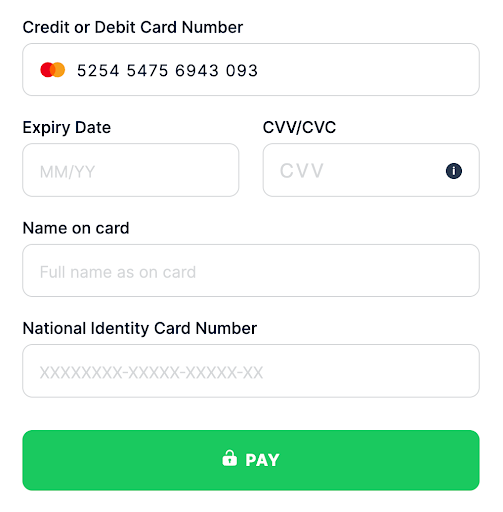 flat
flat
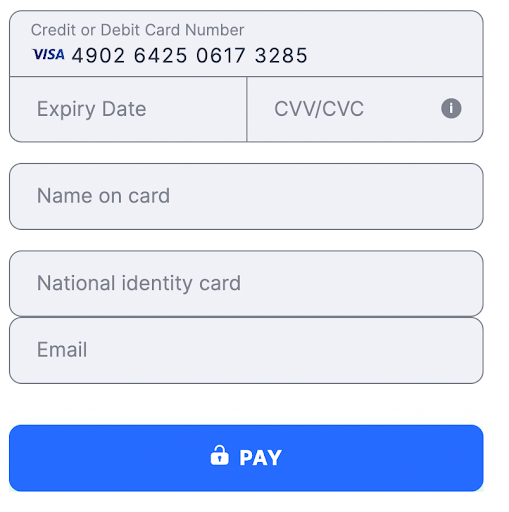 card
card
 bolivia_ci
- Country Bolivia
- Country Code ( ISO-3166 Wiki ) BOL
- Field Title Cedula de Identidad
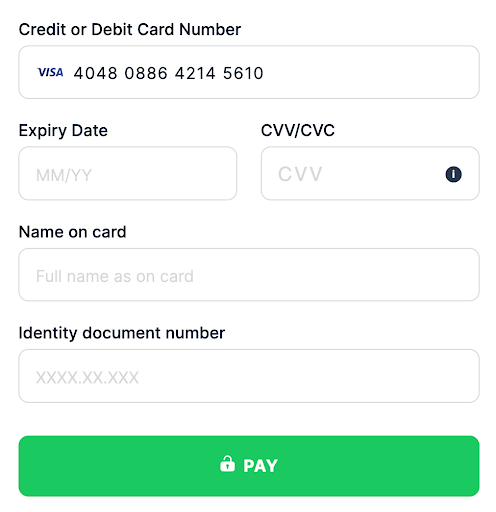 flat
flat
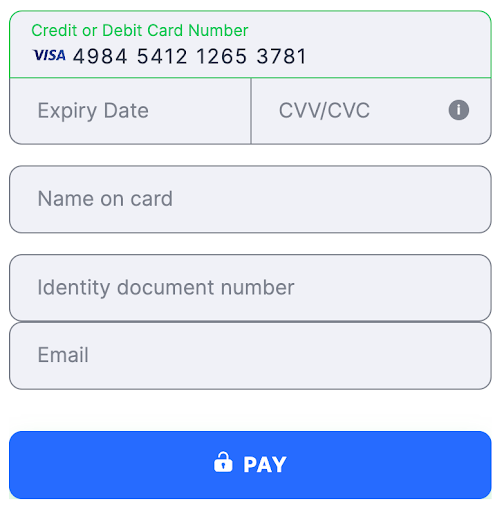 card
card
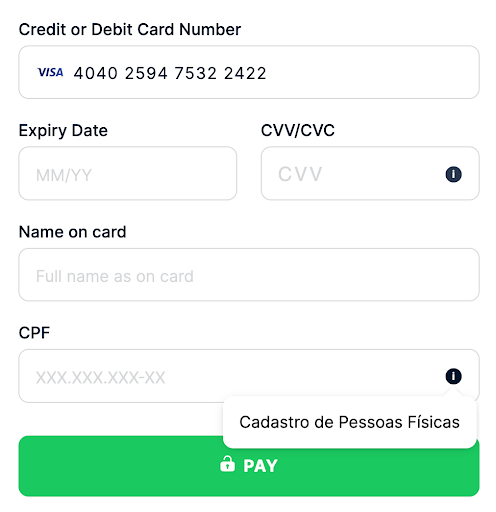
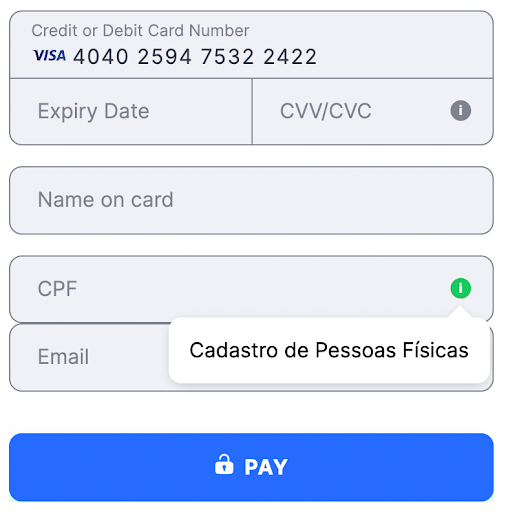
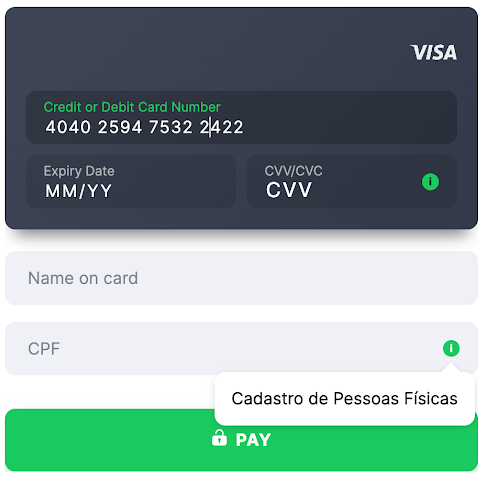
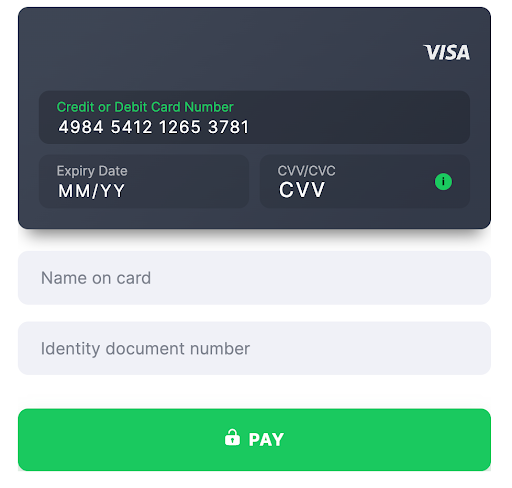 brazil_cpf
- Country Brazil
- Country Code ( ISO-3166 Wiki ) BRA
- Field Title CPF
 flat
flat
 card
card
 brazil_customer_phone
- Country Brazil
- Country Code ( ISO-3166 Wiki ) BRA
- Field Title Mobile phone number
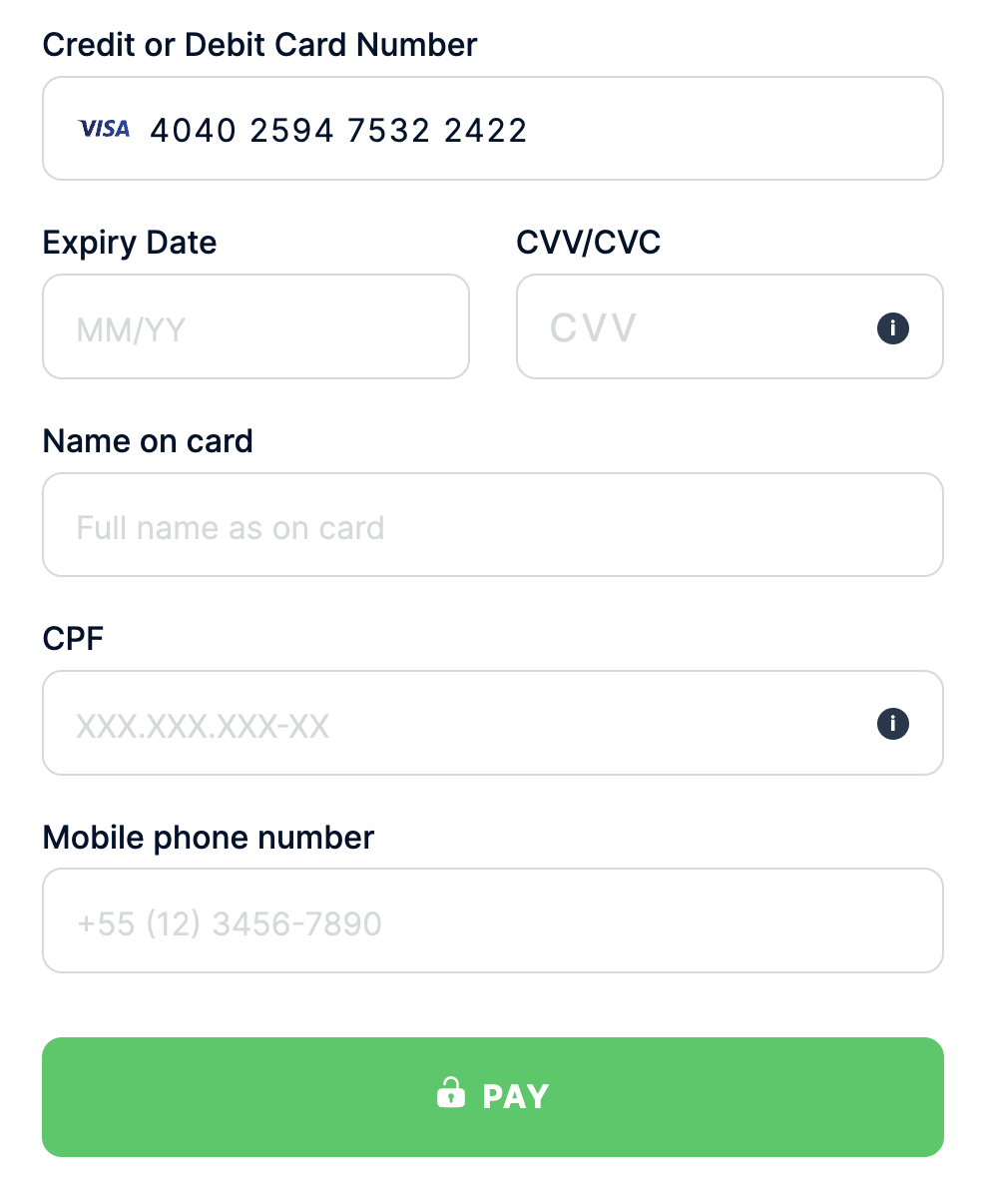 flat
flat
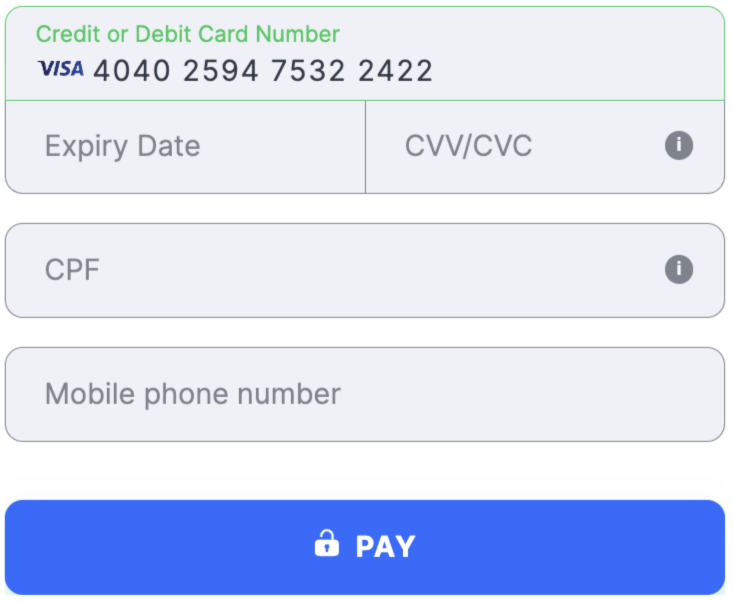 card
card
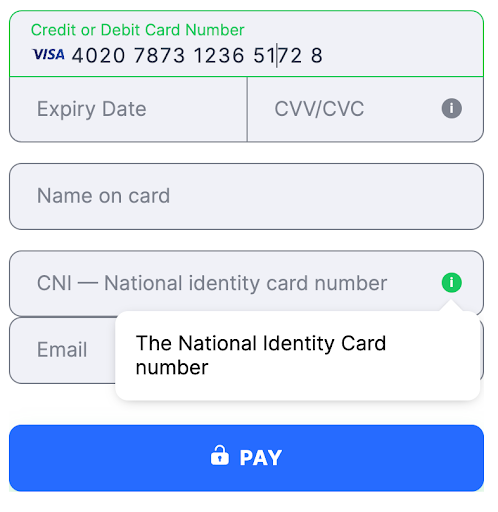
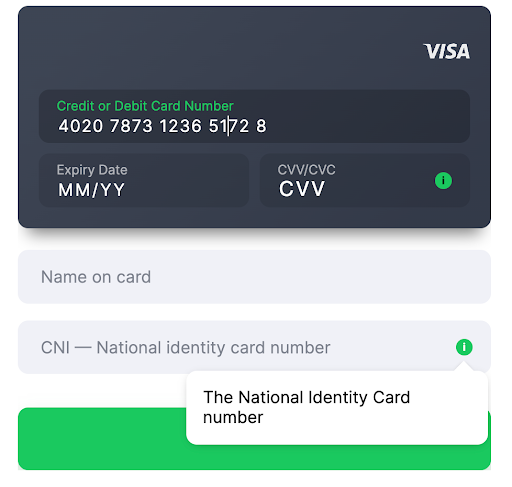
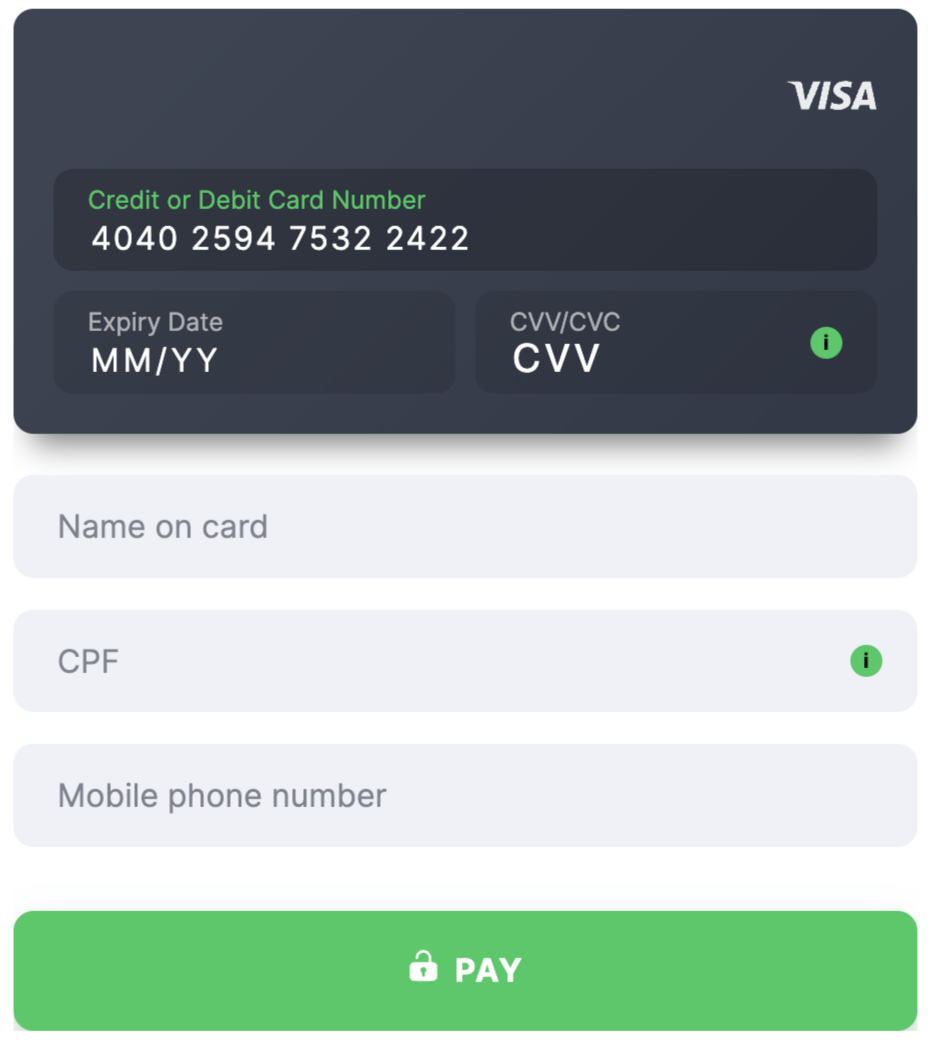 cameroon_cni
- Country Cameroon
- Country Code ( ISO-3166 Wiki ) CMR
- Field Title CNI
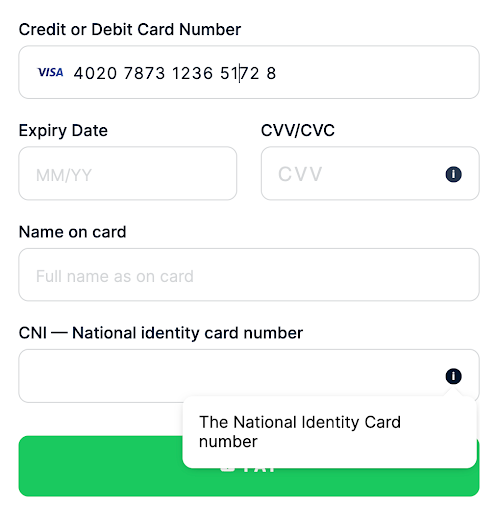 flat
flat
 card
card
 card_holder
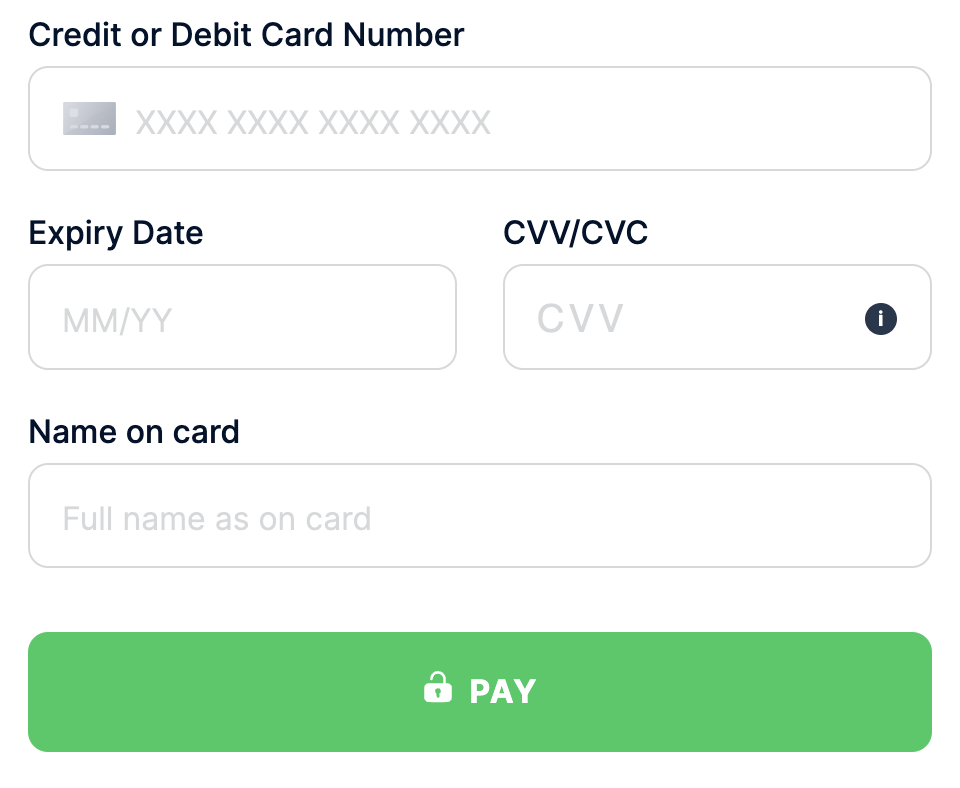
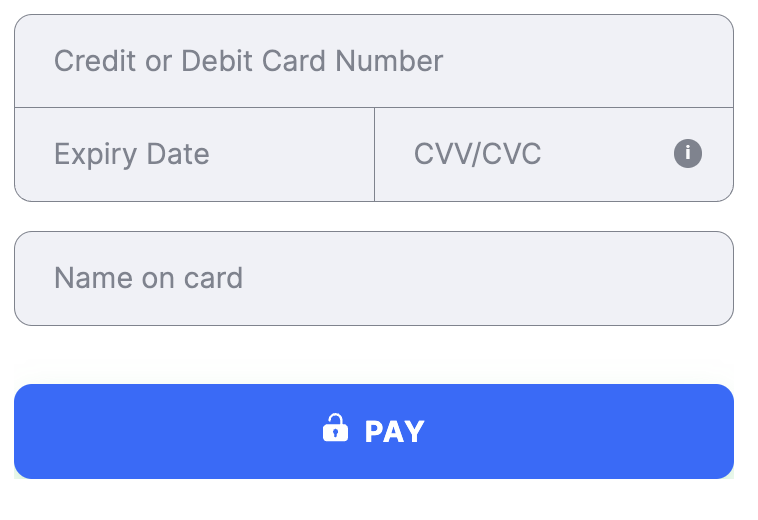
- Field title Name on card
- Description This field is used to enter the name of the cardholder as it appears on the card. It is required for transactions from specific countries. For some PSPs, if the merchant does not provide this value, it is filled with the default John Snow.
- Validation A string parameter ranging from 2 to 50 characters. The pattern
^\w.{0,48}\w$is used to validate the format. It is recommended to include at least one space between the first and last names to ensure accuracy and enhance transaction conversions. - Supported countries Argentina
ARG, BangladeshBGD, BoliviaBOL, BrazilBRA, CameroonCMR, ChileCHL, ChinaCHN, ColombiaCOL, Costa RicaCRI, Dominican RepublicDOM, EcuadorECU, EgyptEGY, El SalvadorSLV, GhanaGHA, GuatemalaGTM, IndiaIND, IndonesiaIDN, JapanJPN, KenyaKEN, MalaysiaMYS, MexicoMEX, MoroccoMAR, NigeriaNGA, PanamaPAN, ParaguayPRY, PeruPER, PhilippinesPHL, SenegalSEN, South AfricaZAF, TanzaniaTZA, ThailandTHA, TurkeyTUR, UgandaUGA, UruguayURY, and VietnamVNM.
 flat
flat
 card
card
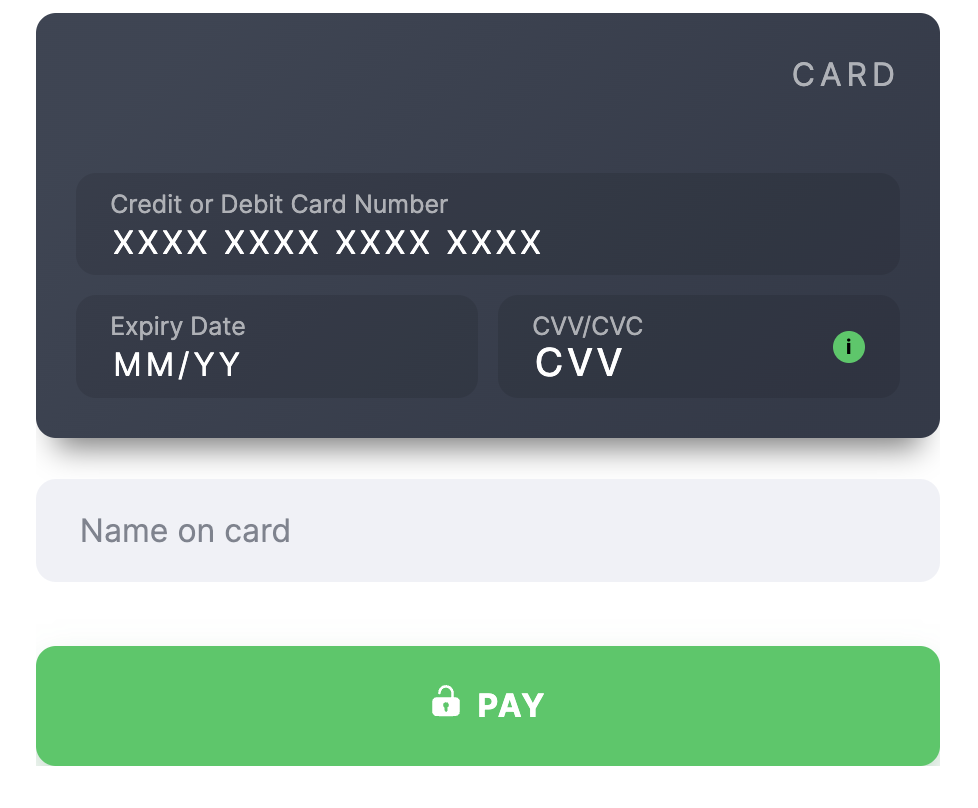 chile_ci
- Country Chile
- Country Code ( ISO-3166 Wiki ) CHL
- Field Title Rol Único Tributario
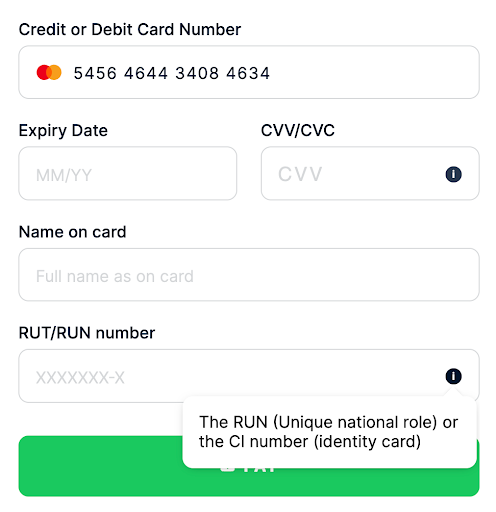 flat
flat
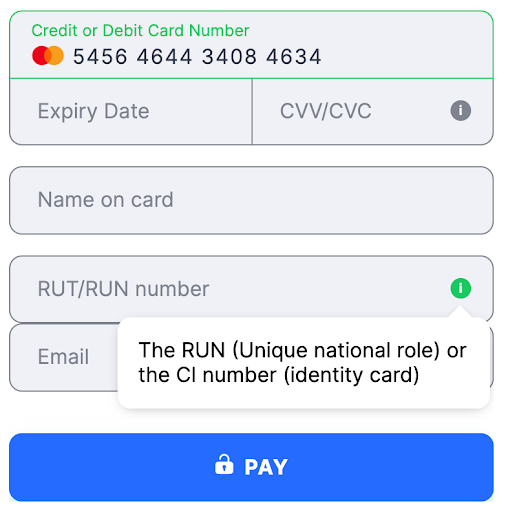 card
card
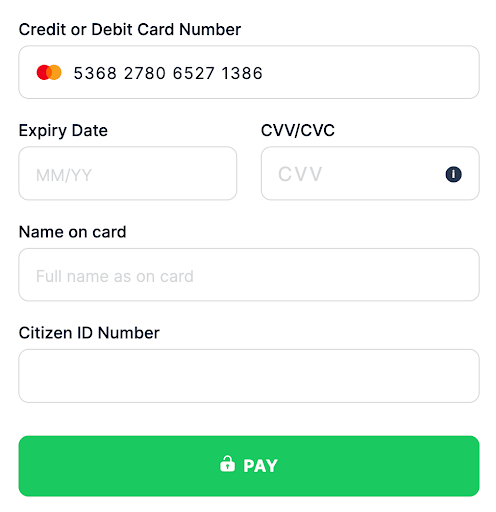
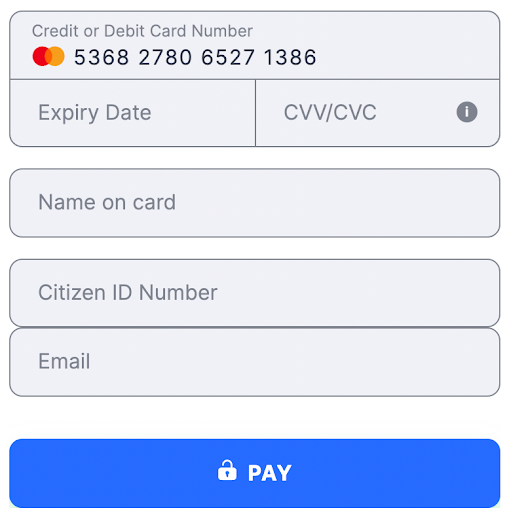
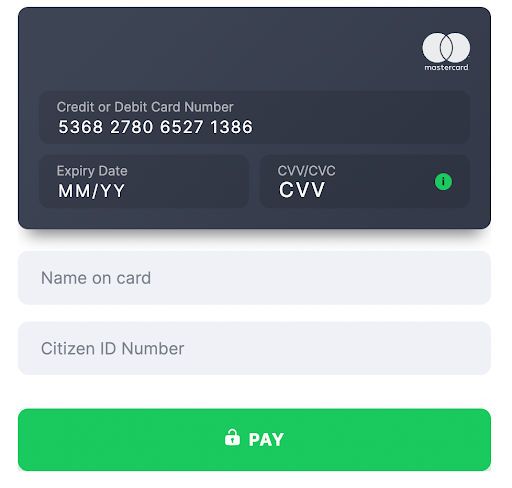
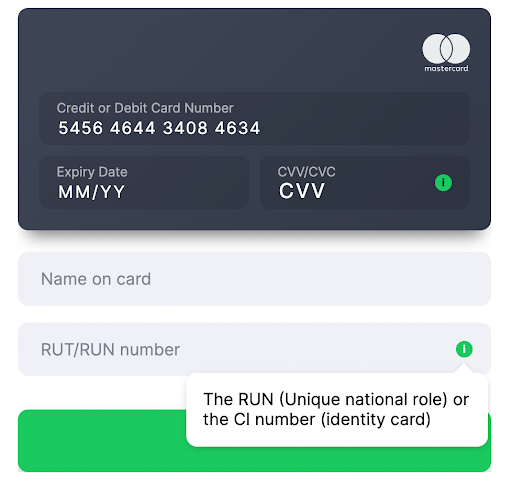 china_id
- Country China
- Country Code ( ISO-3166 Wiki ) CHN
- Field Title Citizen ID Number
 flat
flat
 card
card
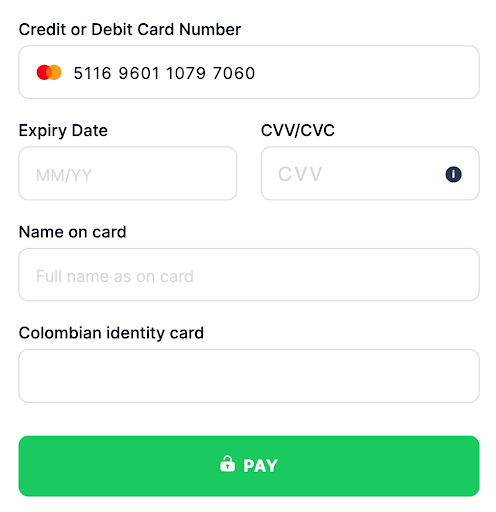
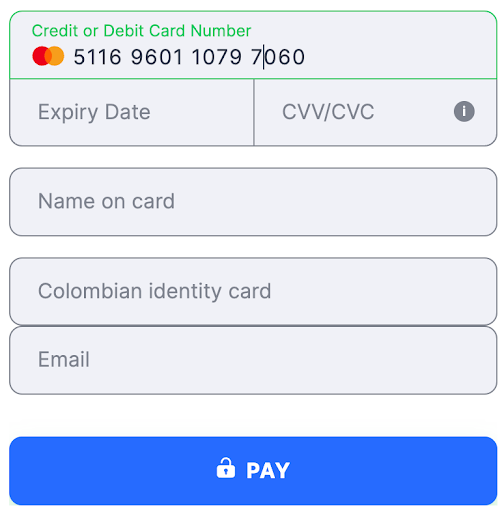
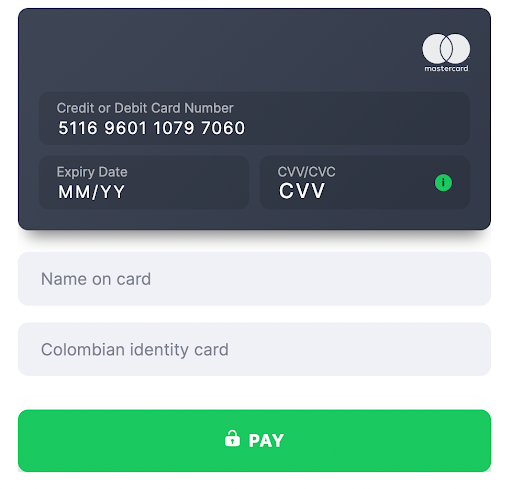
 colombia_cc
- Country Colombia
- Country Code ( ISO-3166 Wiki ) COL
- Field Title Cedula de Ciudadania
 flat
flat
 card
card
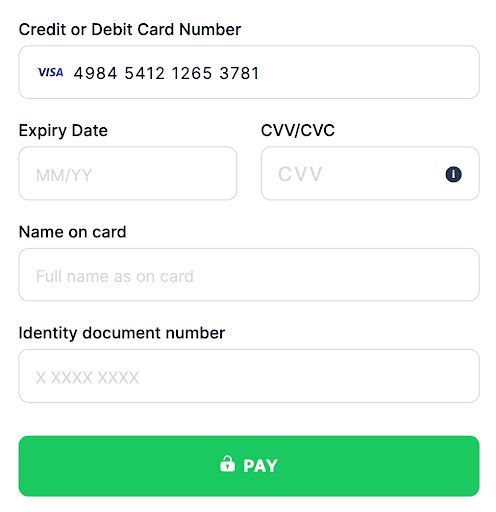
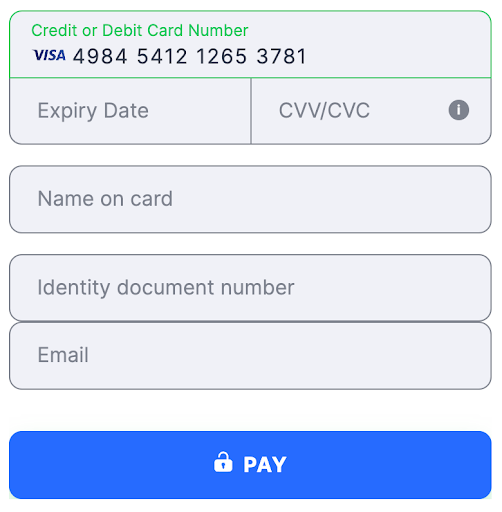
 costa_rica_ci
- Country Costa Rica
- Country Code ( ISO-3166 Wiki ) CRI
- Field Title Cédula de Identidad
 flat
flat
 card
card
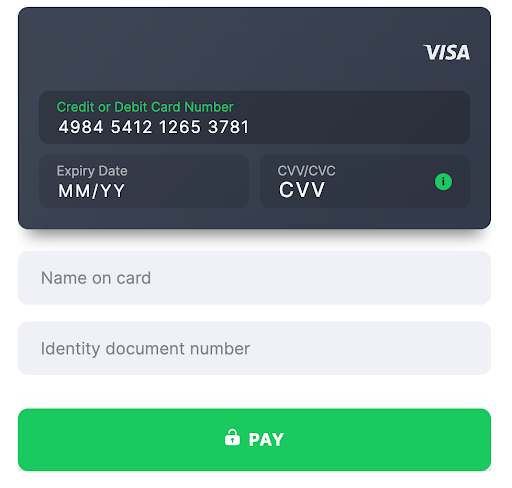 dominicana_id
- Country Dominican Republic
- Country Code ( ISO-3166 Wiki ) DOM
- Field Title Identity card
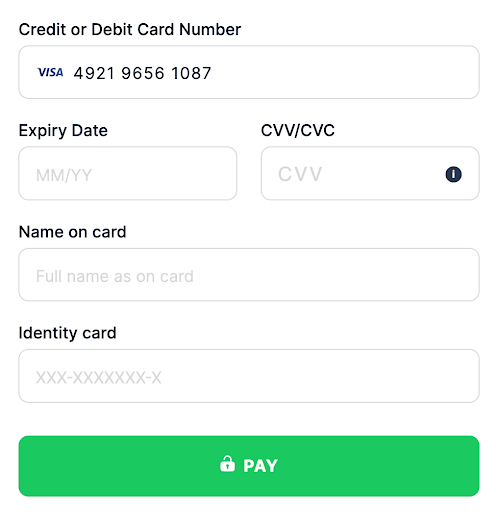 flat
flat
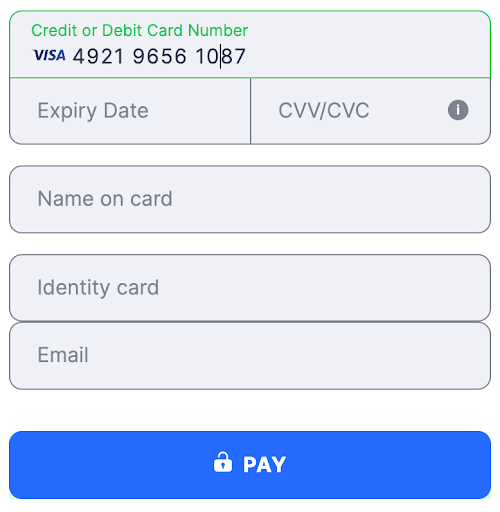 card
card
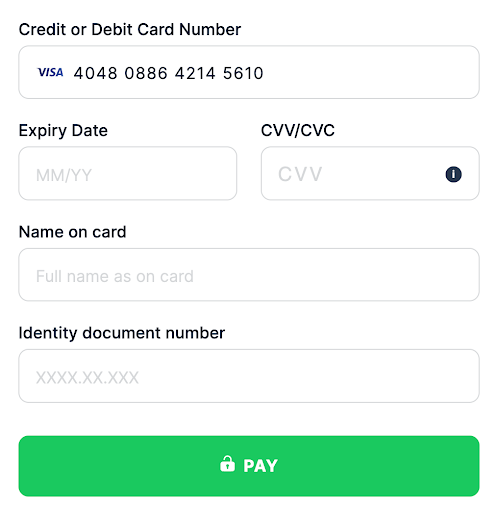
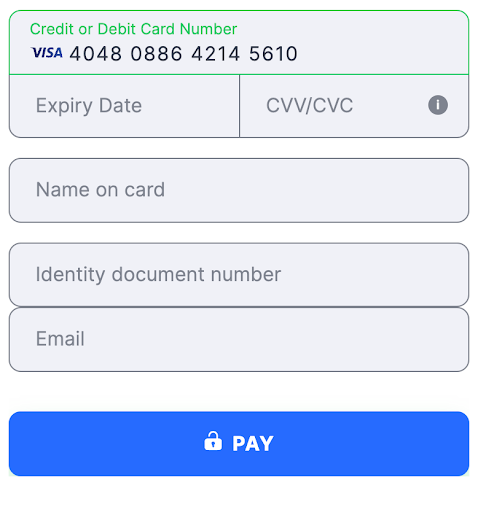
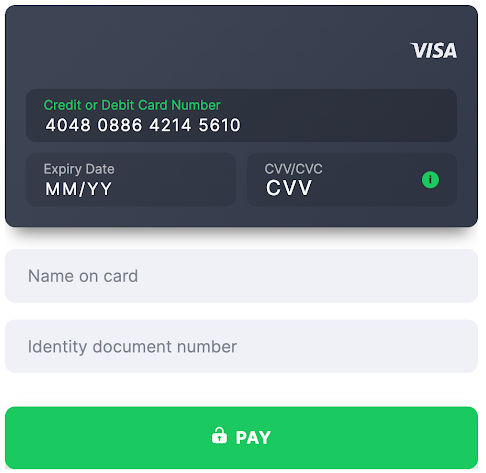
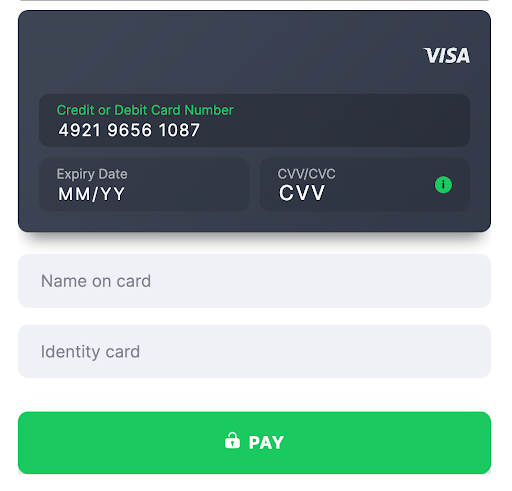 ecuador_ci
- Country Ecuador
- Country Code ( ISO-3166 Wiki ) ECU
- Field Title Cédula de Identidad
 flat
flat
 card
card
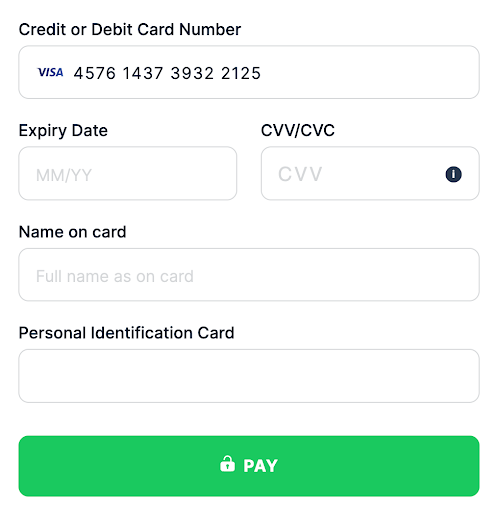
 el_salvador_id
- Country El Salvador
- Country Code ( ISO-3166 Wiki ) SLV
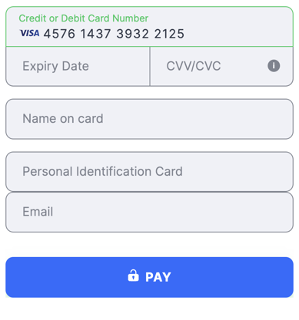
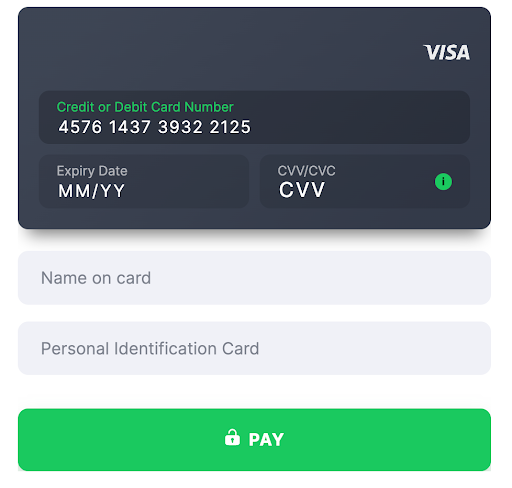
- Field Title Personal Identification Card
 flat
flat
 card
card
 egypt_id
- Country Egypt
- Country Code ( ISO-3166 Wiki ) EGY
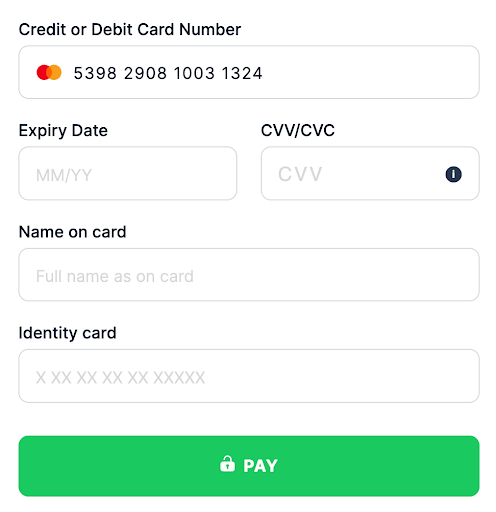
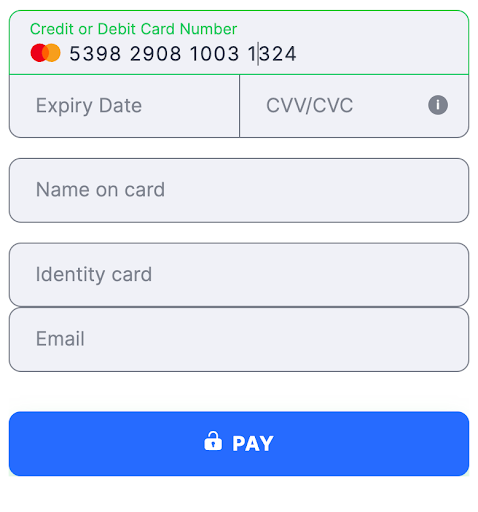
- Field Title Identity card
 flat
flat
 card
card
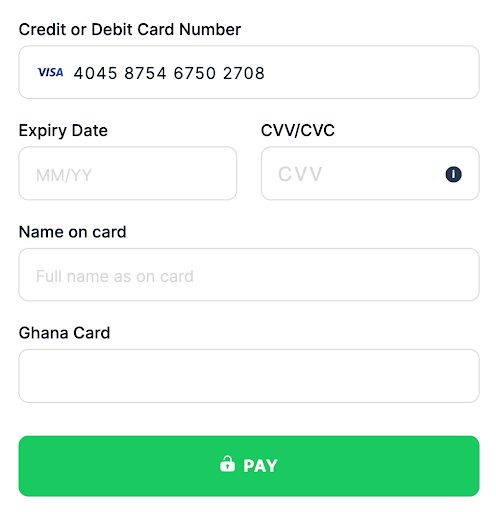
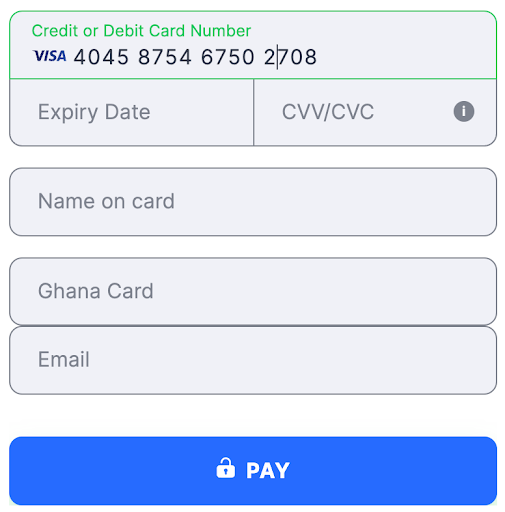
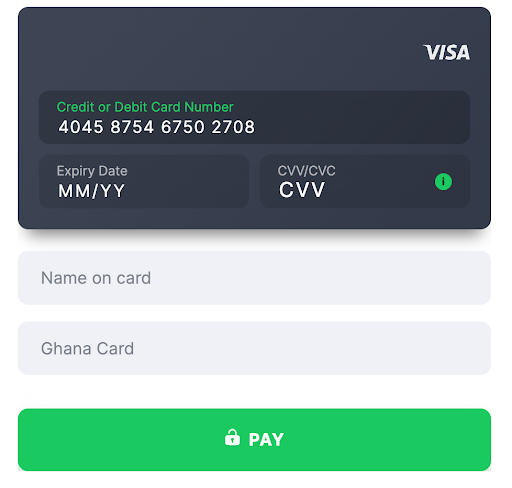
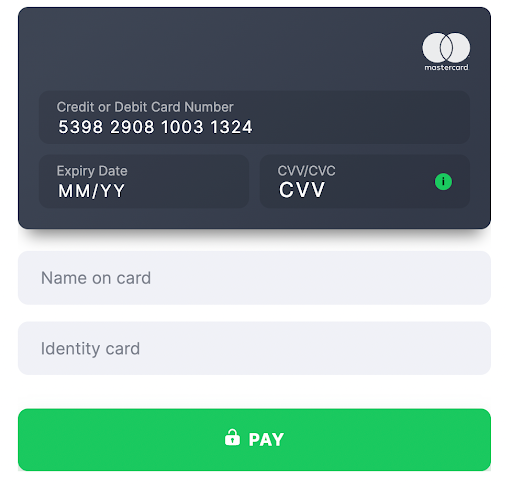 ghana_card
- Country Ghana
- Country Code ( ISO-3166 Wiki ) GHA
- Field Title Ghana Card
 flat
flat
 card
card
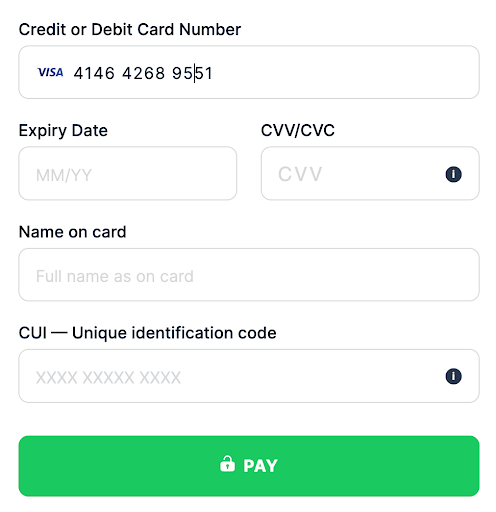
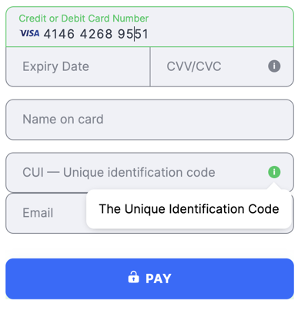
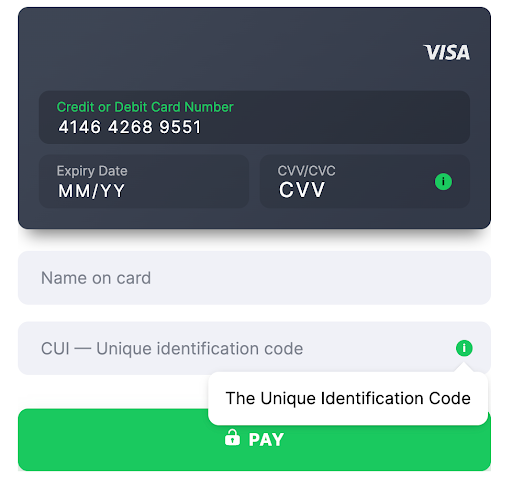
 guatemala_cui
- Country Guatemala
- Country Code ( ISO-3166 Wiki ) GTM
- Field Title CUI
 flat
flat
 card
card
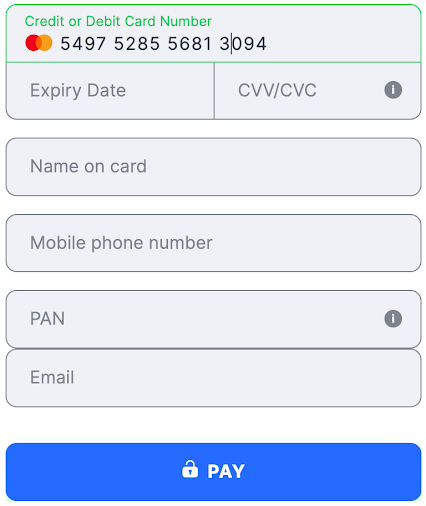
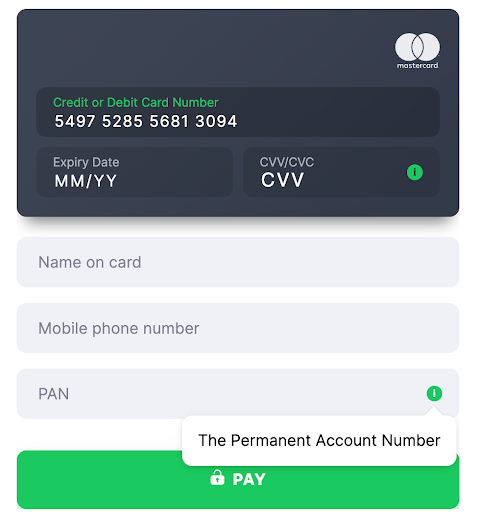
 india_pan
- Country India
- Country Code ( ISO-3166 Wiki ) IND
- Field Title PAN
 flat
flat
 card
card
 india_vpa
- Country India
- Country Code ( ISO-3166 Wiki ) IND
- Field Title VPA
- Validation 1-100 characters, followed by
@, then 1-30 characters (for example,username@bankname)
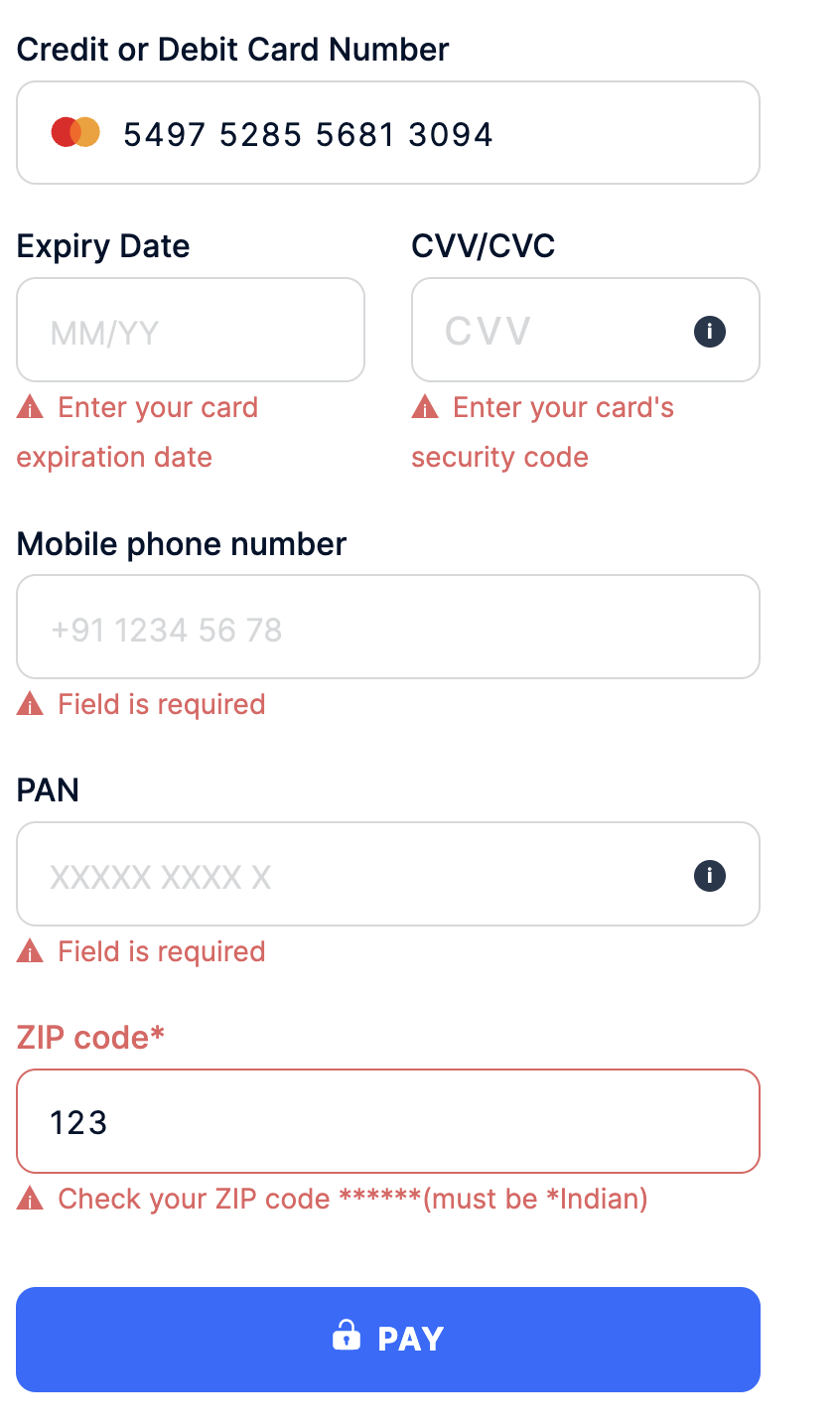
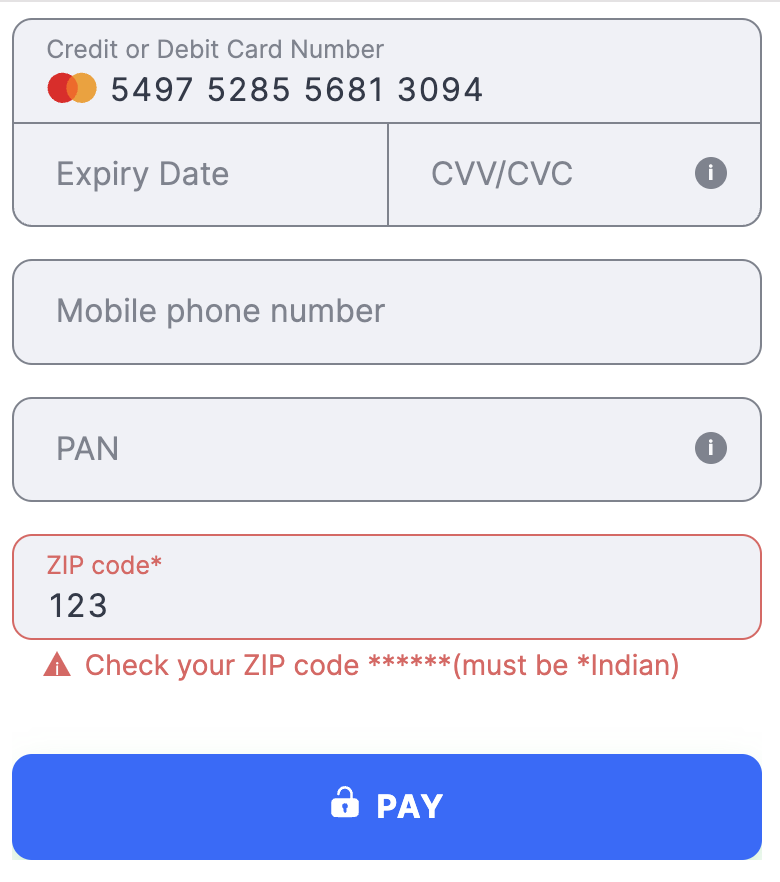
- Country India
- Country Code ( ISO-3166 Wiki ) IND
- Field Title ZIP Code
 flat
flat
 card
card
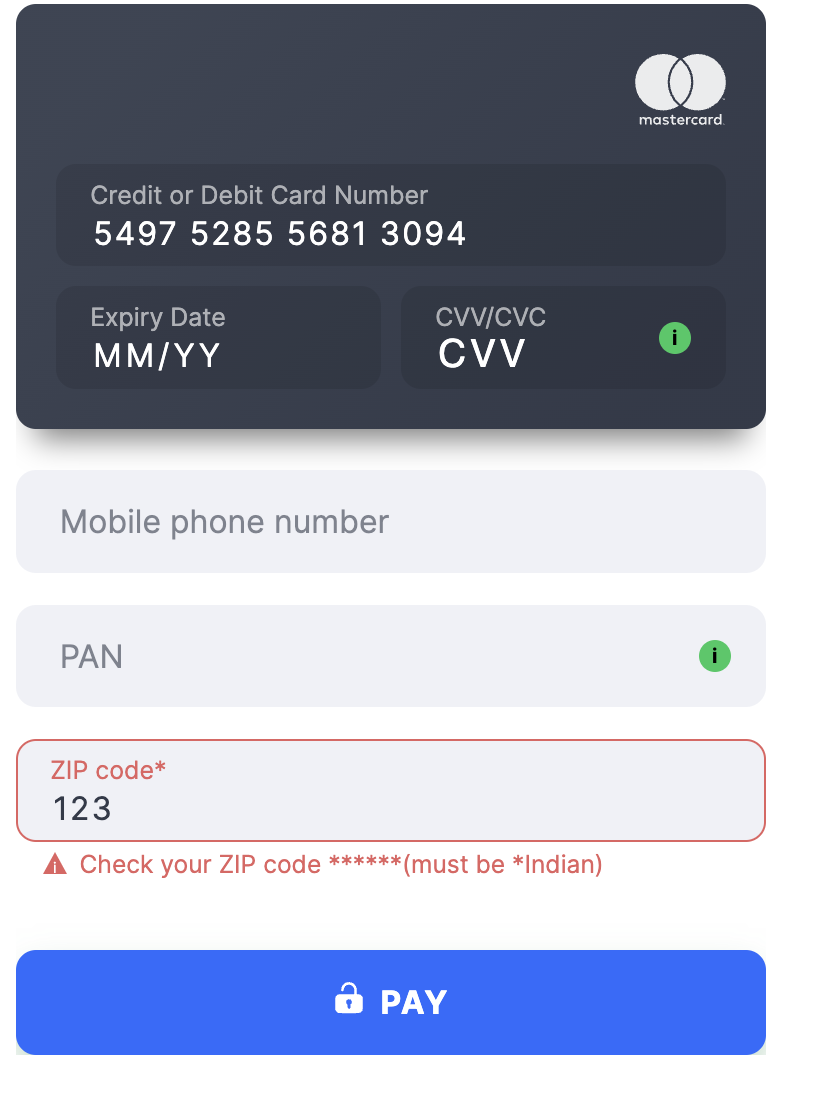 indian_customer_phone
- Country India
- Country Code ( ISO-3166 Wiki ) IND
- Field Title Mobile phone number
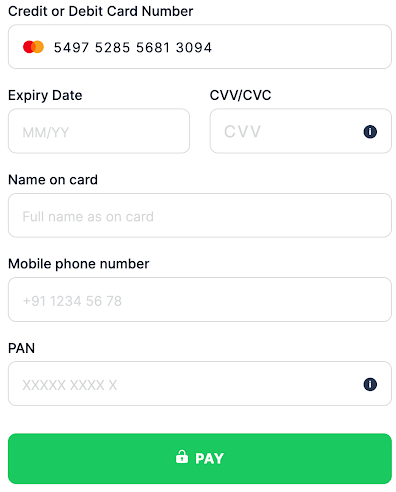 flat
flat
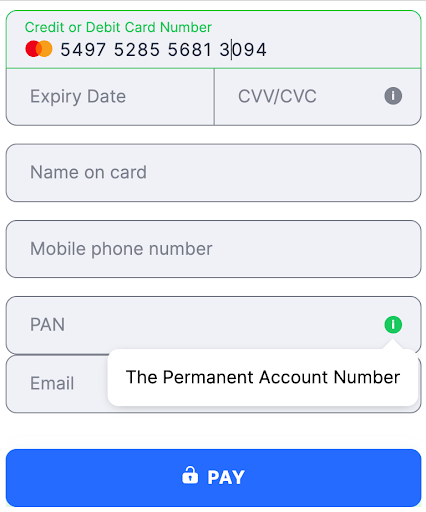 card
card
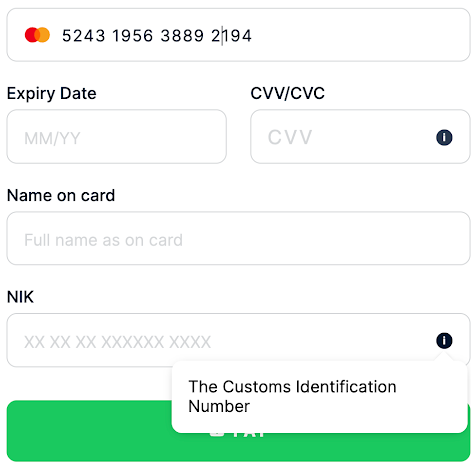
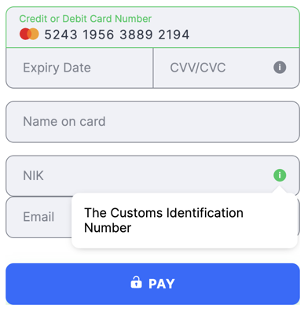
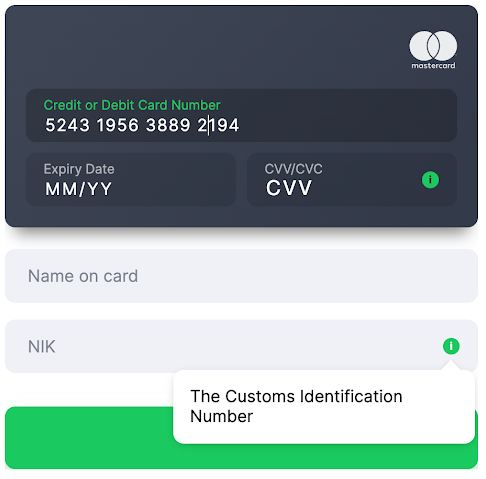
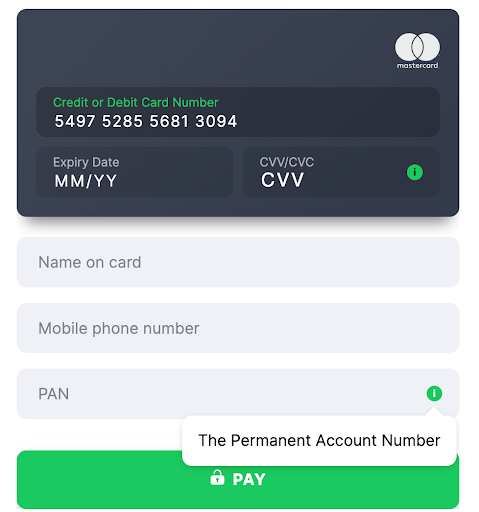 indonesia_nik
- Country Indonesia
- Country Code ( ISO-3166 Wiki ) IDN
- Field Title NIK
 flat
flat
 card
card
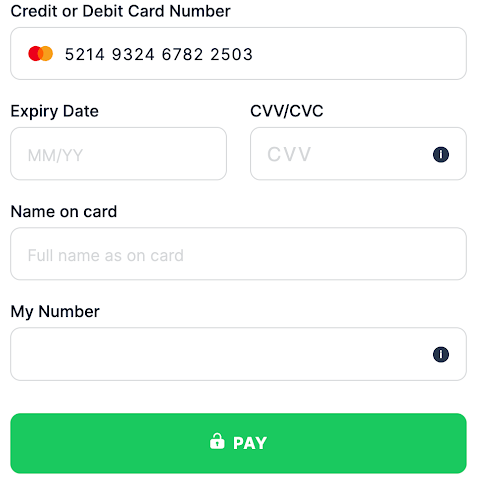
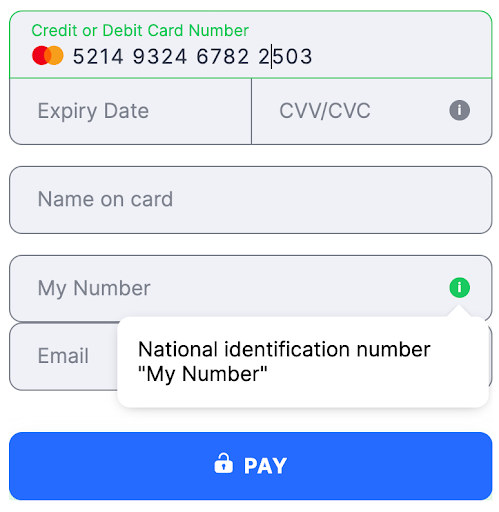
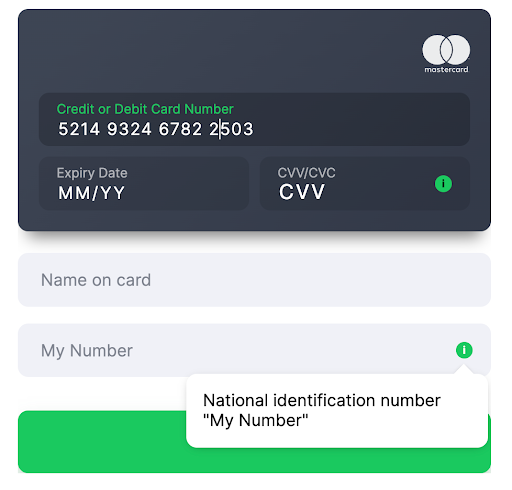
 japan_id
- Country Japan
- Country Code ( ISO-3166 Wiki ) JPN
- Field Title My Number
 flat
flat
 card
card
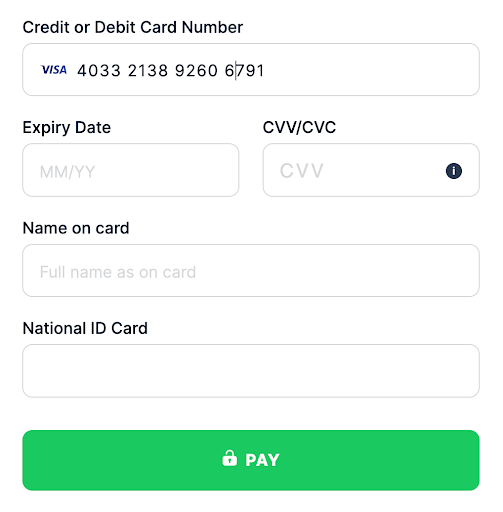
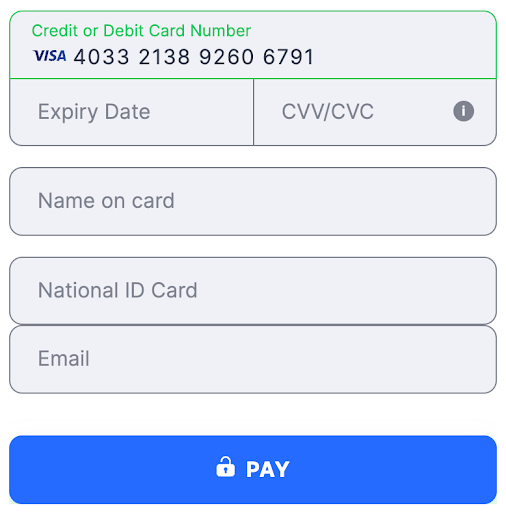
 kenya_id
- Country Kenya
- Country Code ( ISO-3166 Wiki ) KEN
- Field Title National ID Card
 flat
flat
 card
card
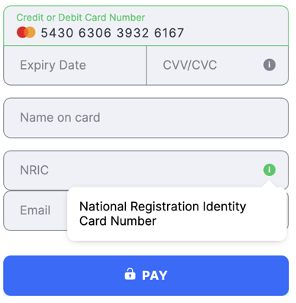
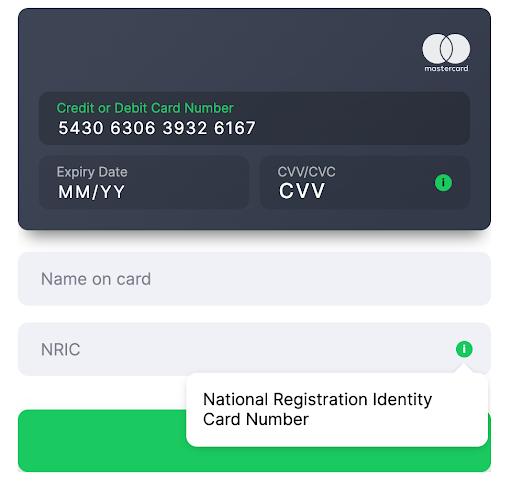
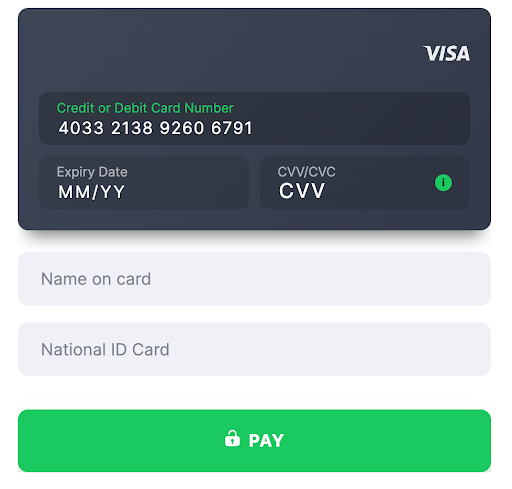 malaysia_nric
- Country Malaysia
- Country Code ( ISO-3166 Wiki ) MYS
- Field Title NRIC
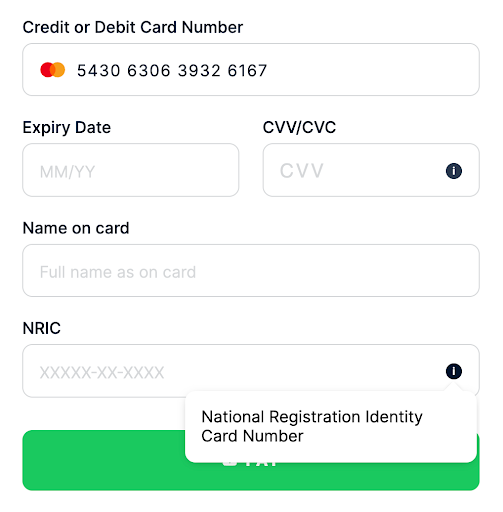 flat
flat
 card
card
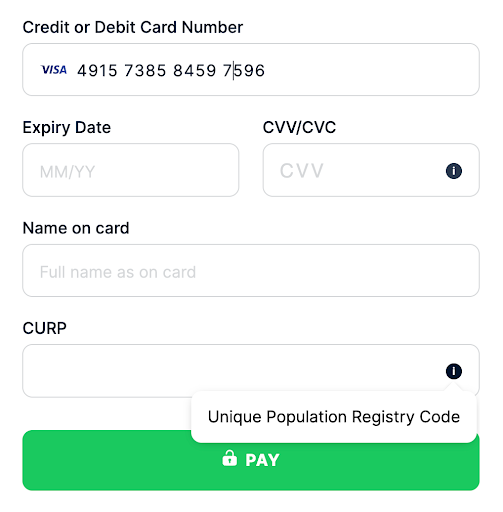
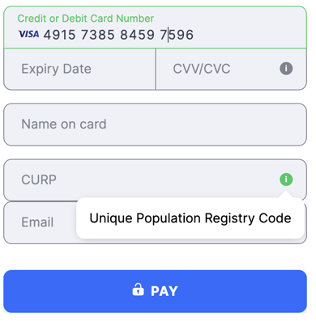
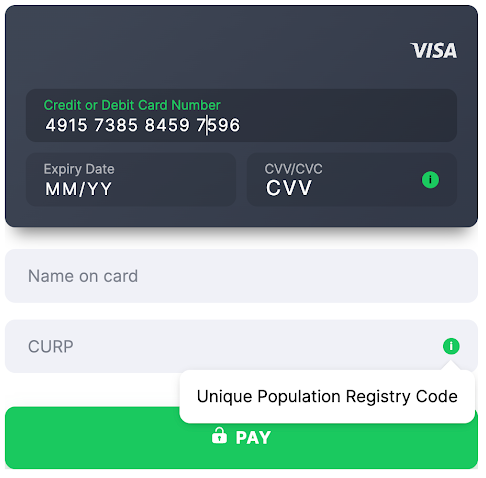
 mexico_curp
- Country Mexico
- Country Code ( ISO-3166 Wiki ) MEX
- Field Title CURP
 flat
flat
 card
card
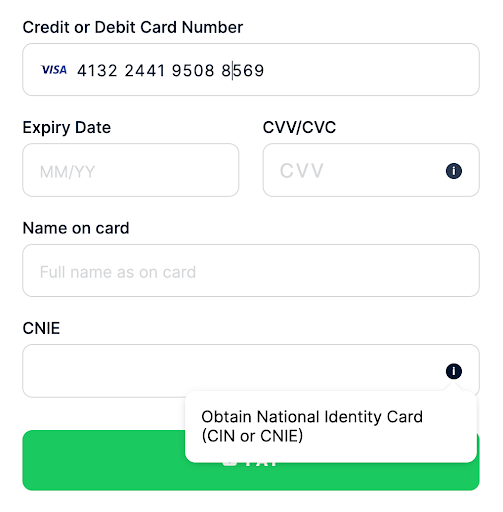
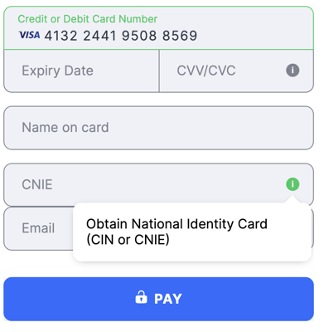
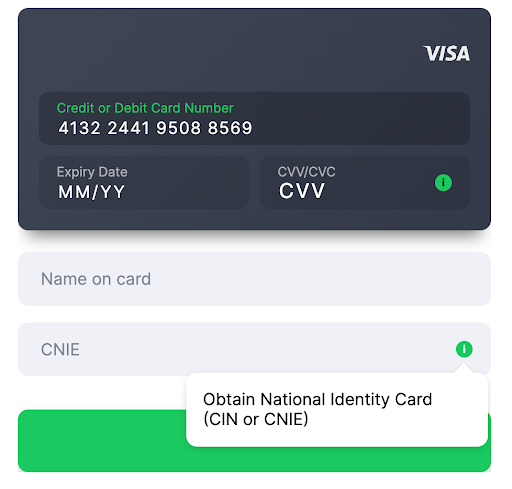
 morocco_cnie
- Country Morocco
- Country Code ( ISO-3166 Wiki ) MAR
- Field Title CNIE
 flat
flat
 card
card
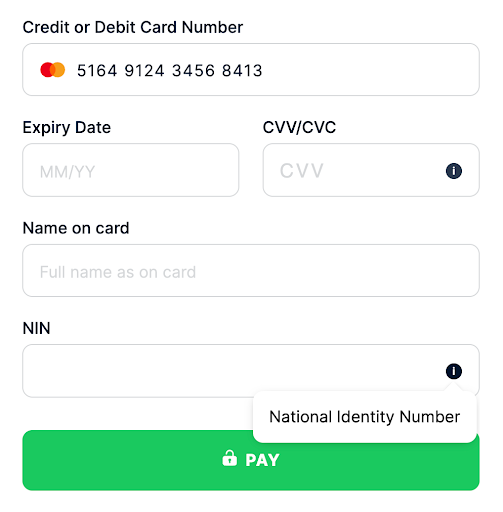
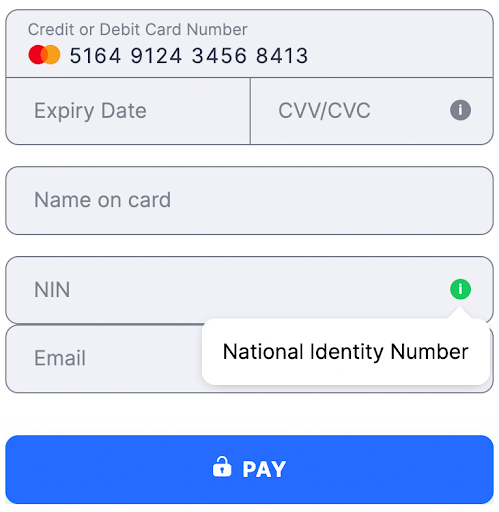
 nigeria_nin
- Country Nigeria
- Country Code ( ISO-3166 Wiki ) NGA
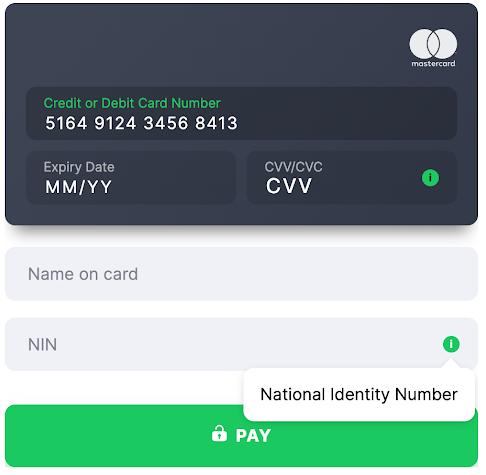
- Field Title NIN
 flat
flat
 card
card
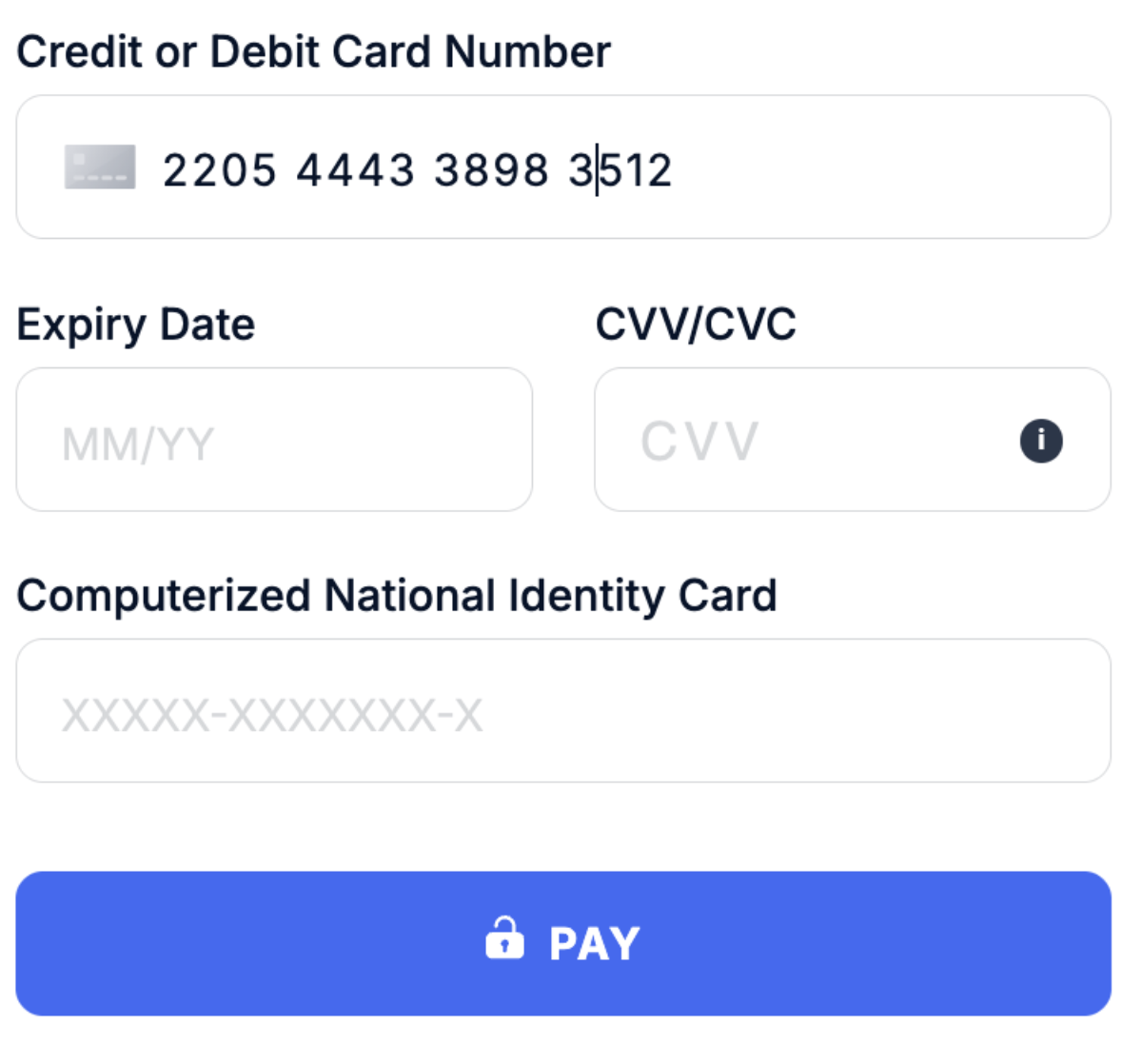
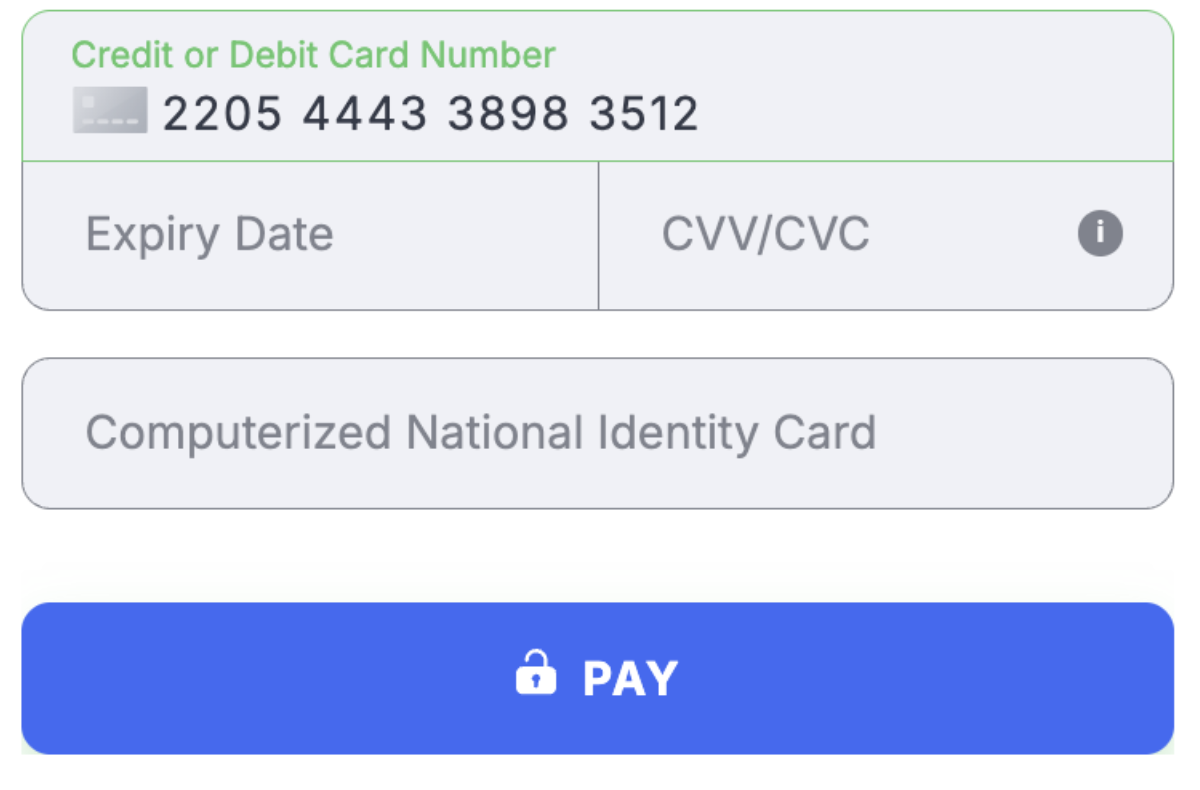
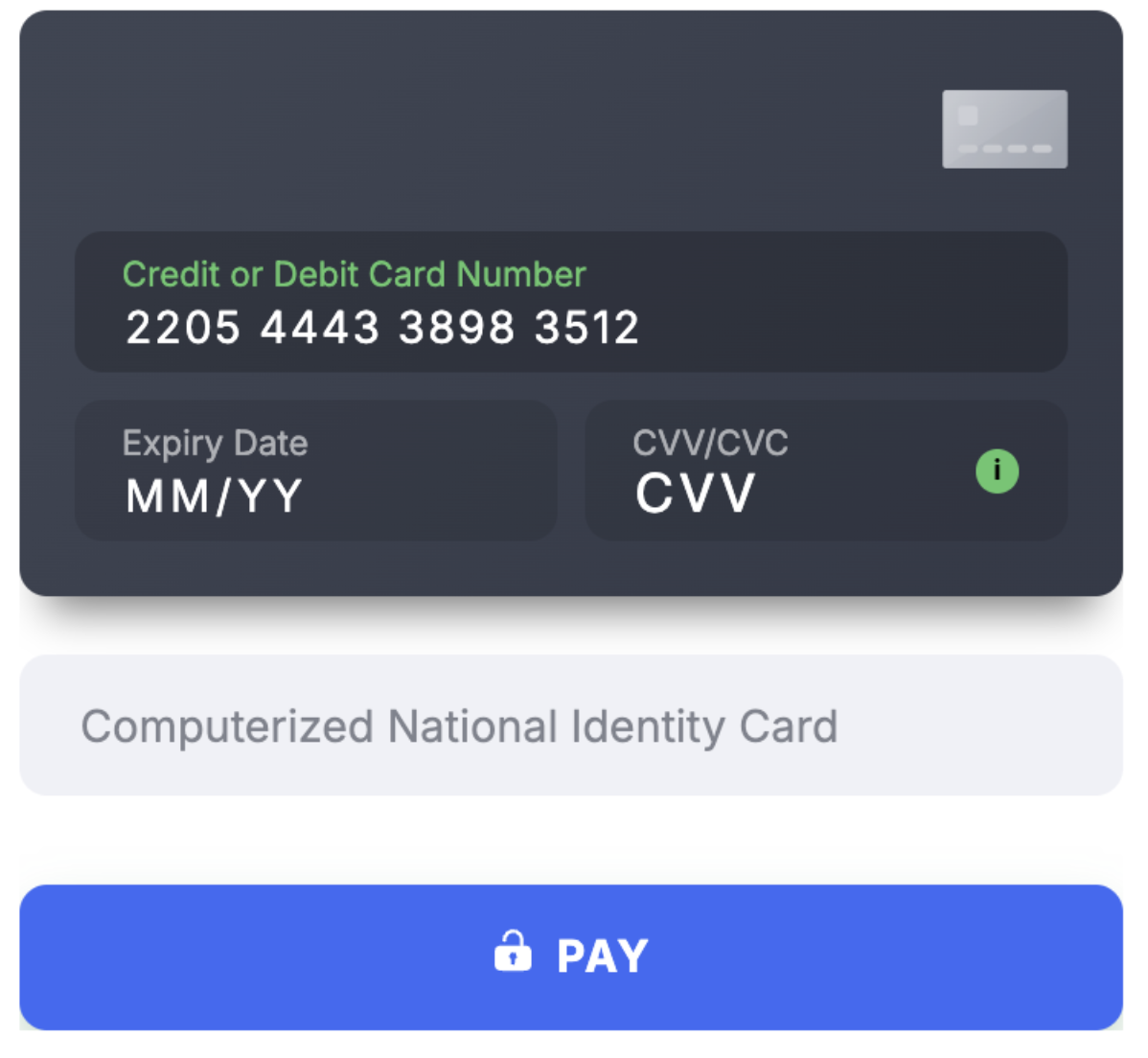
 pakistan_cnic
- Country Pakistan
- Country Code ( ISO-3166 Wiki ) PAK
- Field Title Computerized National Identity Card
- Validation 13 digits
 flat
flat
 card
card
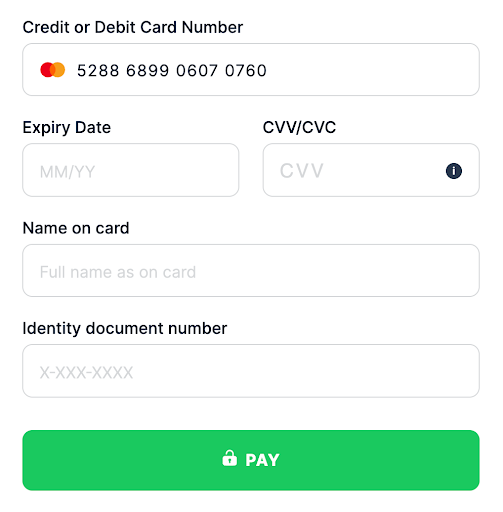
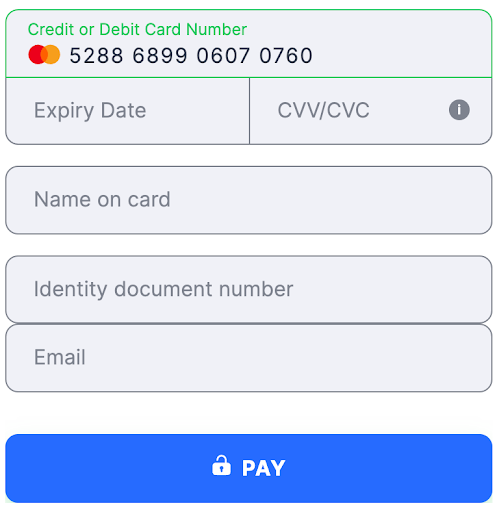
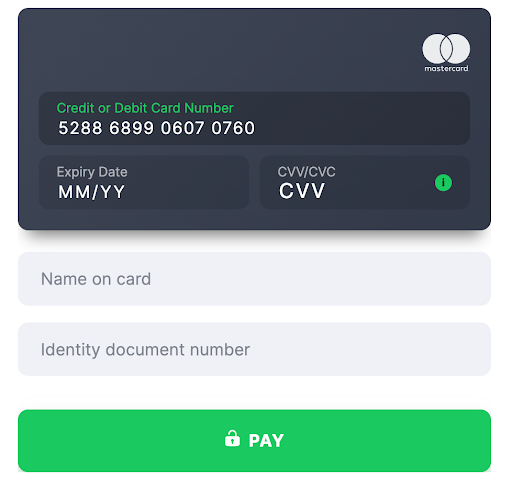
 panama_id
- Country Panama
- Country Code ( ISO-3166 Wiki ) PAN
- Field Title Cedula de Identidad
 flat
flat
 card
card
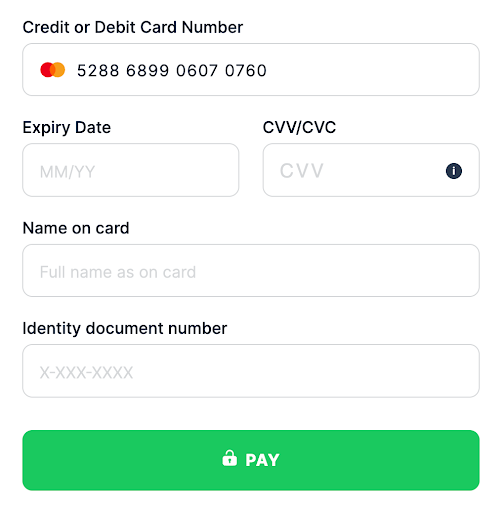
 paraguay_ci
- Country Paraguay
- Country Code ( ISO-3166 Wiki ) PRY
- Field Title Cédula de Identidad
 flat
flat
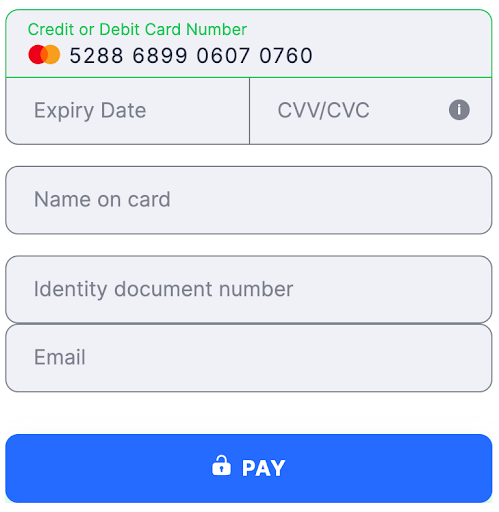 card
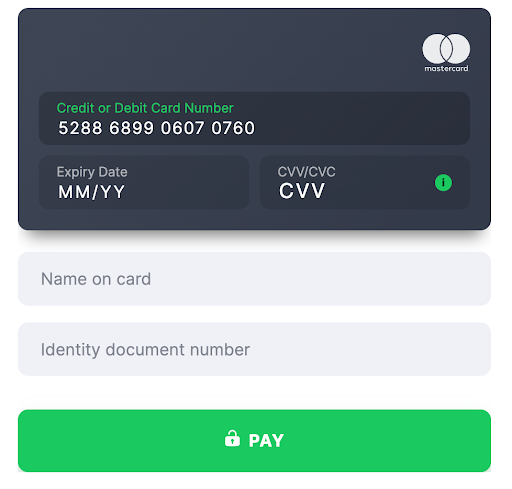
card
 peru_dni
- Country Peru
- Country Code ( ISO-3166 Wiki ) PER
- Field Title DNI
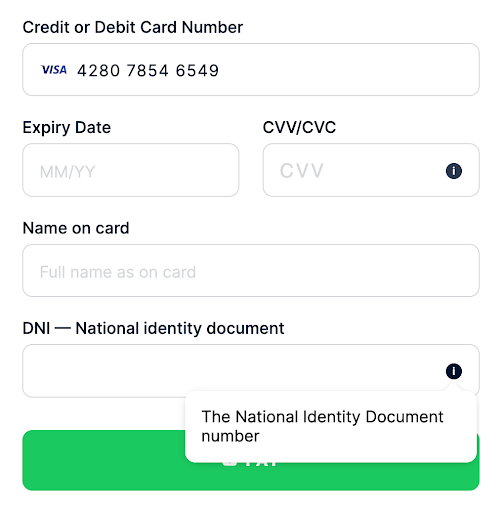 flat
flat
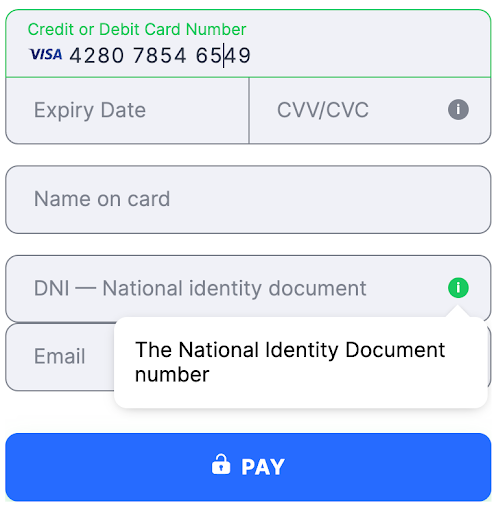 card
card
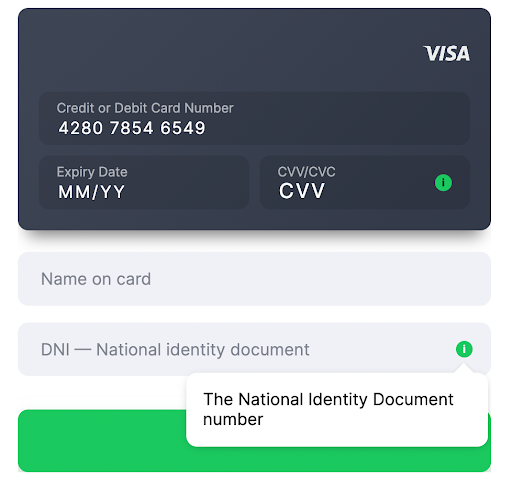 philippines_psn
- Country Philippines
- Country Code ( ISO-3166 Wiki ) PHL
- Field Title PSN
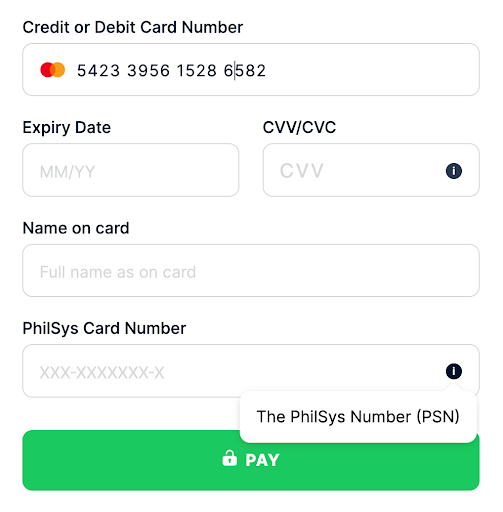 flat
flat
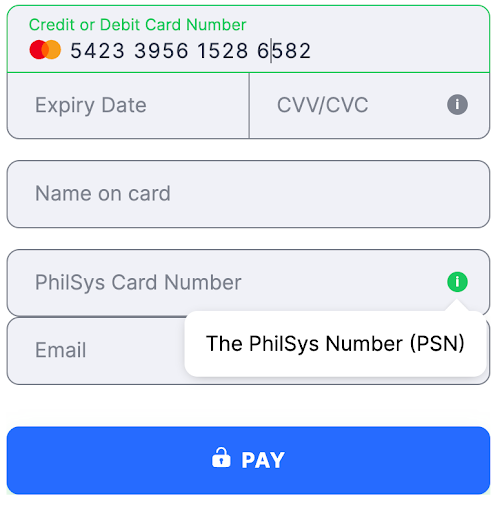 card
card
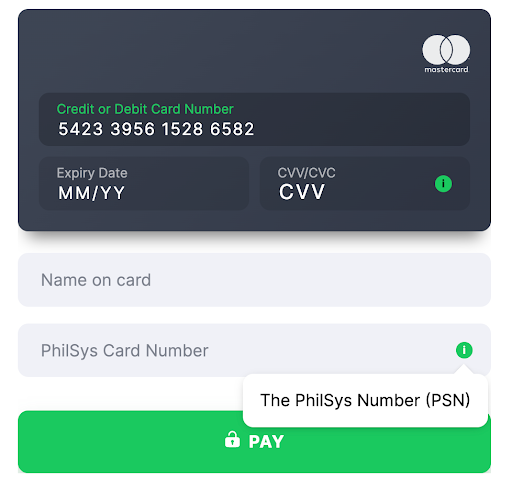 senegal_cni
- Country Senegal
- Country Code ( ISO-3166 Wiki ) SEN
- Field Title CNI or ECOWAS ID Card
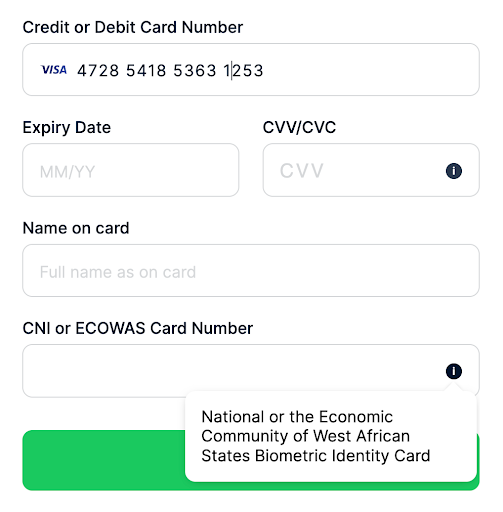 flat
flat
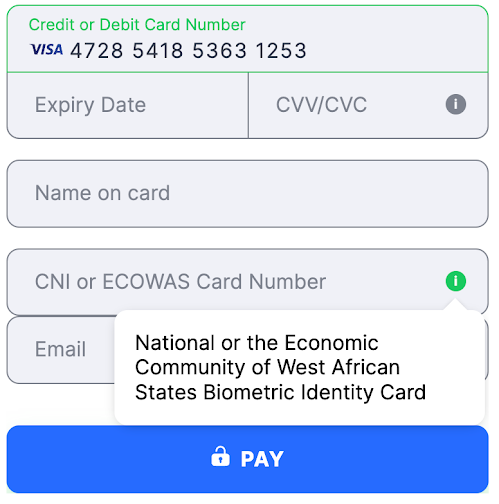 card
card
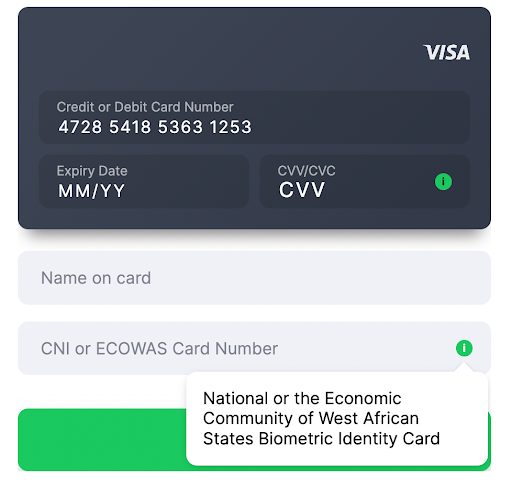 south_africa_id
- Country South Africa
- Country Code ( ISO-3166 Wiki ) ZAF
- Field Title South African Identity Card
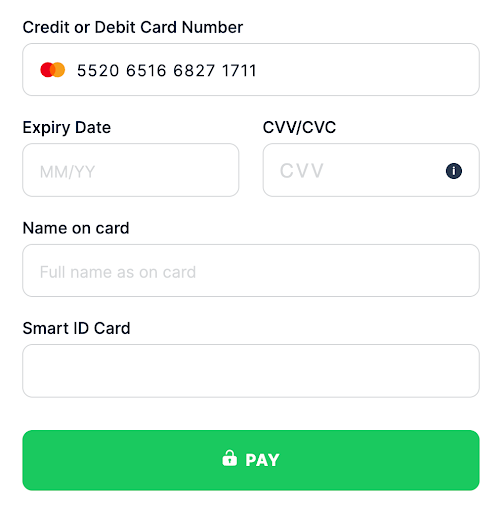 flat
flat
 card
card
 tanzania_id
- Country Tanzania
- Country Code ( ISO-3166 Wiki ) TZA
- Field Title National Identity Card
 flat
flat
 card
card
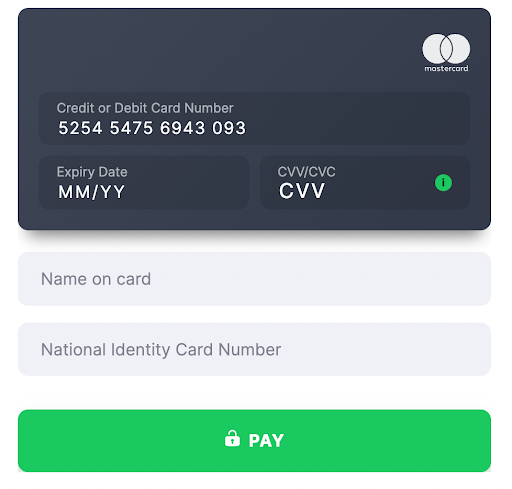 thailand_id
- Country Thailand
- Country Code ( ISO-3166 Wiki ) THA
- Field Title Thai Identity Card
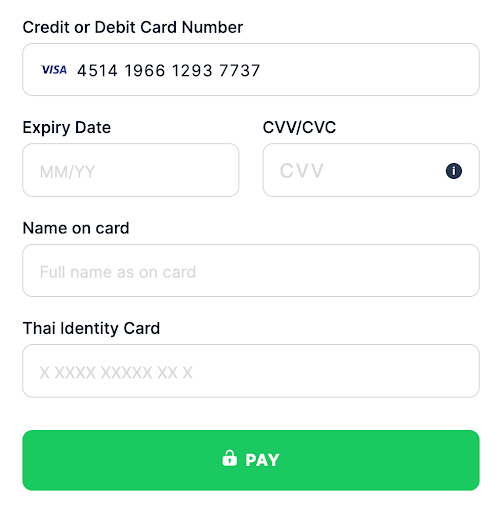 flat
flat
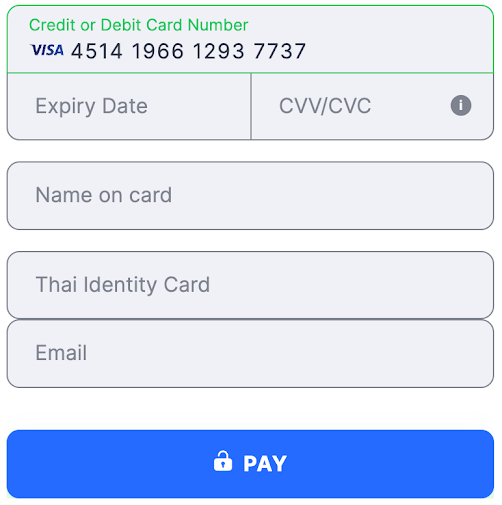 card
card
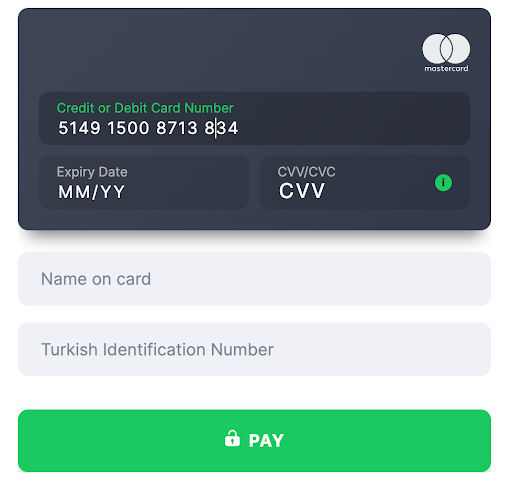
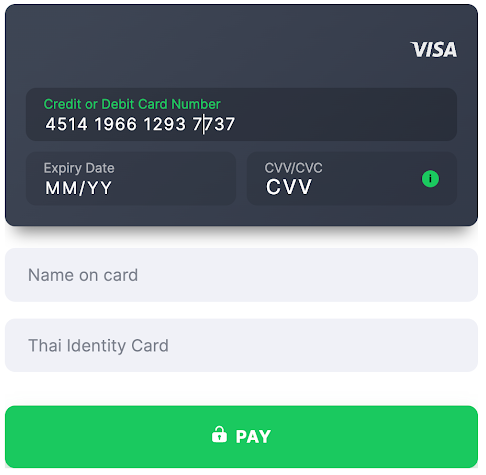 turkey_tc_kimlik_no
- Country Turkey
- Country Code ( ISO-3166 Wiki ) TUR
- Field Title T.C. Kimlik No.
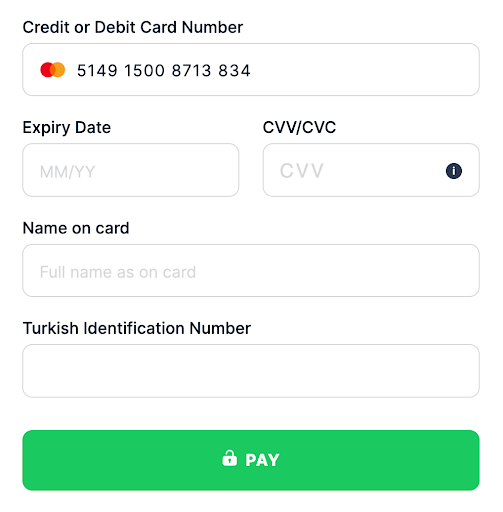 flat
flat
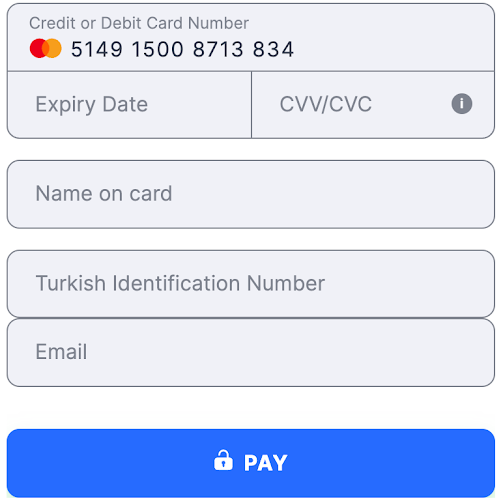 card
card
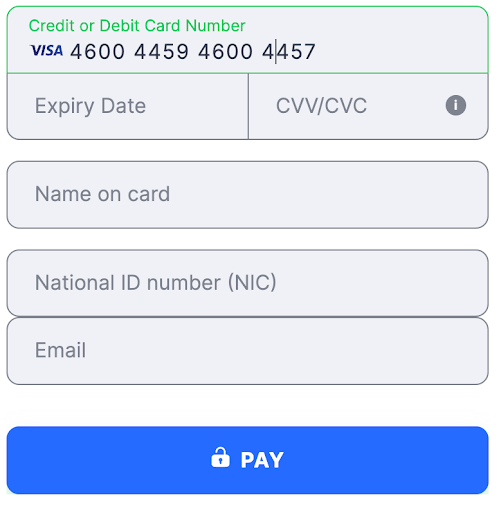
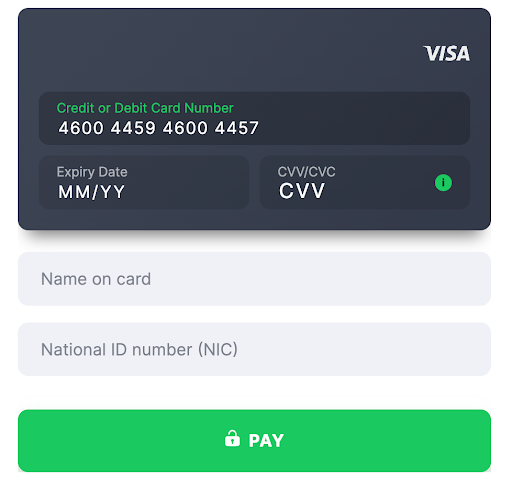
 uganda_nic
- Country Uganda
- Country Code ( ISO-3166 Wiki ) UGA
- Field Title National ID number (NIC)
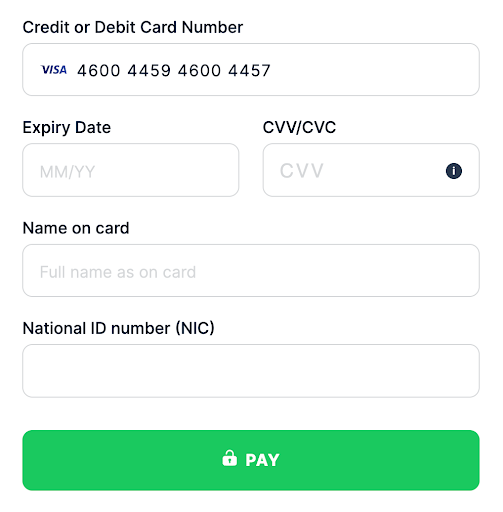 flat
flat
 card
card
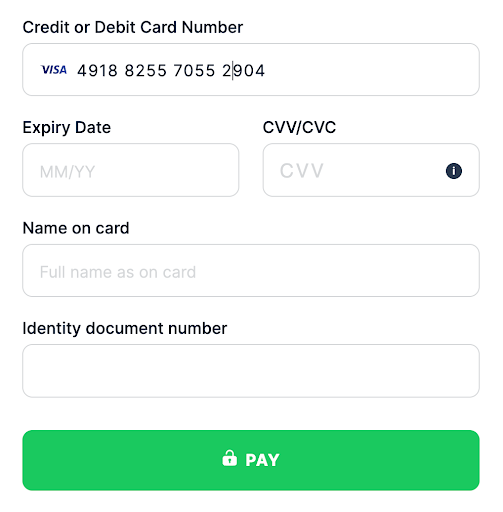
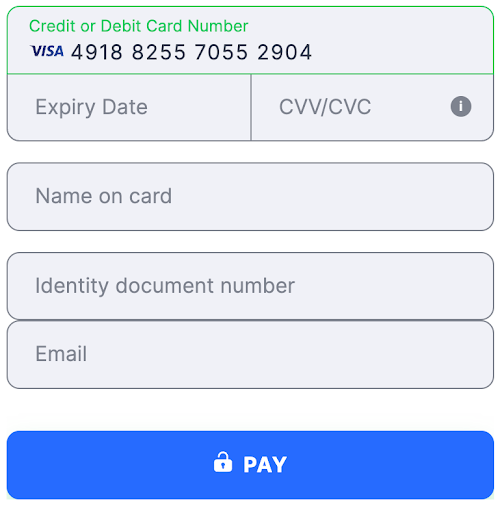
 uruguay_ci
- Country Uruguay
- Country Code ( ISO-3166 Wiki ) URY
- Field Title Cédula de Identidad
 flat
flat
 card
card
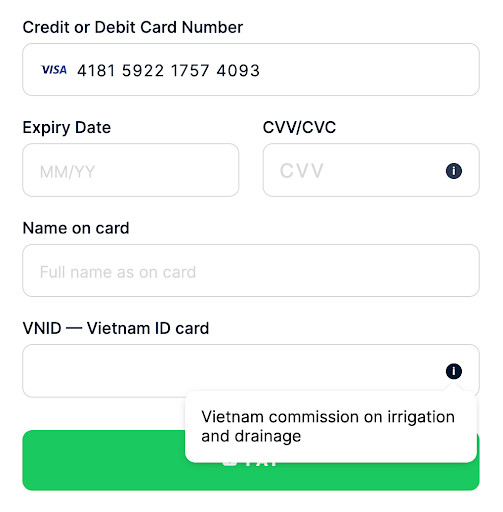
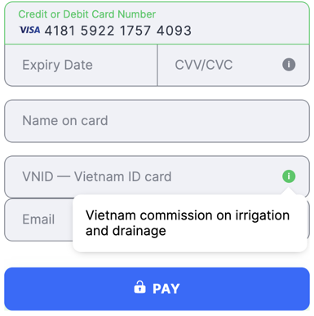
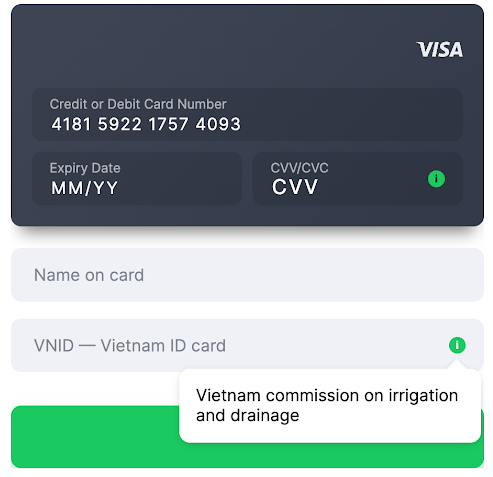
 vietnam_vnid
- Country Vietnam
- Country Code ( ISO-3166 Wiki ) VNM
- Field Title VNID
 flat
flat
 card
card
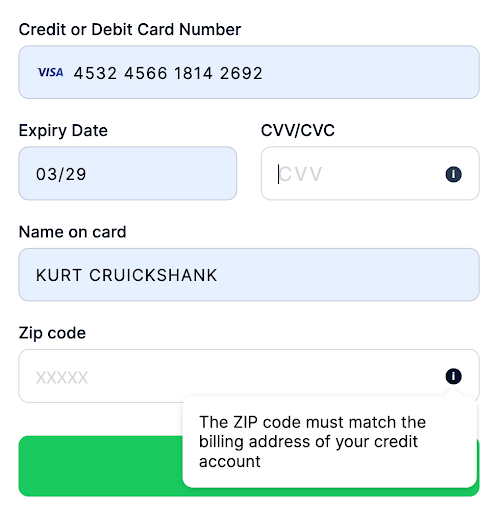
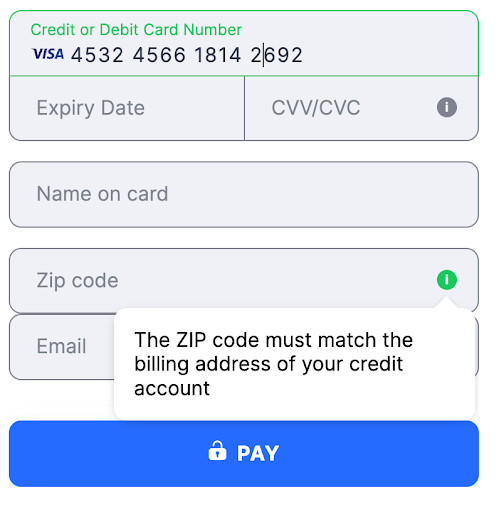
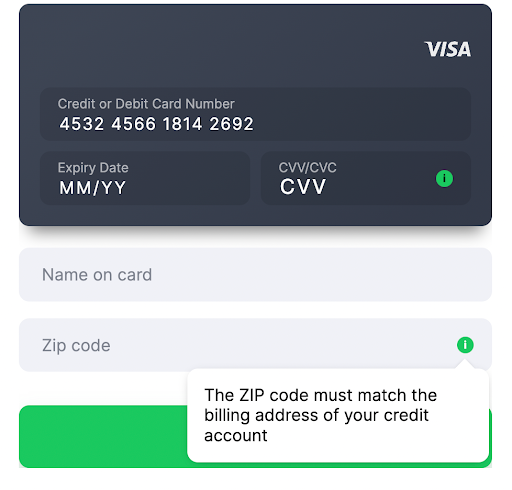
 zip_code
- Country United States
- Country Code ( ISO-3166 Wiki ) USA
- Field Title ZIP code
- Validation
- USA [0-9]{5}(?:[0-9]{4})?$ - 5 or 9 digits
- Other countries [0-9]{5} - 5 digits
 flat
flat
 card
card
Style additional fields
Additional fields classes are formed as follows:
ZIP Code Field Class"class": "input_group zip_code additional_field"
You can customize all additional fields at once using the additional_field class. In this case, styles are applied to all additional field classes described in the table above.
CSS Custom Styles for additional fields at oncePaymentFormSdk.init({
...restData,
styles: {
'additional_field': {
'input': {
'color': 'red'
}
}
}
})
If you want to customize a specific field, you need to apply styles to this specific additional field class name.
CSS Custom Styles for Definite Additional FieldPaymentFormSdk.init({
...restData,
styles: {
'guatemala_cui': {
'input': {
'color': 'red'
}
}
}
})
Supported browsers
Solidgate Payment Form supports the following browsers:
Mobile Desktop- Chrome 37+ version
- Safari 10.1+ version
- Firefox 31+ version
- Opera 25+ version
- Microsoft Edge 15+ version
For browsers not explicitly supported, support is limited as follows:
- customer’s browser must support TLS 1.2. If TLS 1.2 is not supported, the payment form is not displayed
- certain browser extensions may interfere with the proper functioning of the payment form
- payment form stable performance cannot be guaranteed when rendered inside in-app browsers like Facebook, Instagram, or TikTok
- browsers must be sufficiently modern, including support for Promises Reference in JavaScript
- bug reports are addressed, but proactive testing of other browsers is not conducted
In-app browsers
Wallet and APM availability inside in-app browsers, such as TikTok, Instagram, or Facebook, is not guaranteed, even when the same checkout works reliably in Safari or Chrome. Support depends on the combination of the host app, its WebView engine, the device OS, and the payment method, not on the payment method alone, and can change after an app update.
Common failure patterns:
- Wallet buttons do not render. Apple Pay and Google Pay buttons may not appear inside a WebView even though the same page shows them in a standalone browser.
- Redirect and popup-based methods are restricted. For PayPal and other redirect or popup APMs, the button may render, but the in-app browser can block the popup, fail to switch to the external app, or fail to return the customer to checkout after authorization.
- Deep-link and app-switch flows break. Local APMs that redirect customers to a banking or payment app and back can fail if the in-app browser handles external links, custom URL schemes, or universal and app links differently than Safari or Chrome.
Supported translations
Payment Form is automatically translated based on the customer’s browser language settings. If the browser language is not supported, the form is displayed in en English.
| Languages and language tags | |||||||
|---|---|---|---|---|---|---|---|
| Afrikaans | af | Arabic | ar | Bengali | bn | Bosnian | bs |
| Bulgarian | bg | Cantonese | yue | Chinese | zh | Croatian | hr |
| Czech | cs | Danish | da | Dutch | nl | English | en |
| Estonian | et | Filipino | fil | Finnish | fi | French | fr |
| German | de | Greek | el | Hebrew | he | Hindi | hi |
| Hungarian | hu | Indonesian | id | Italian | it | Japanese | ja |
| Korean | ko | Latvian | lv | Lithuanian | lt | Malay | ms |
| Norwegian | no | Polish | pl | Portuguese | pt | Romanian | ro |
| Serbian | sr | Slovak | sk | Slovenian | sl | Spanish | es |
| Swedish | sv | Thai | th | Turkish | tr | Turkmen | tk |
| Ukrainian | uk | Urdu | ur | Vietnamese | vi | Zulu | zu |
If you prefer to display the Payment Form in a specific language, pass any
IETF
Wiki
language tag from the above list into the paymentIntent
object.
Iframe and HTTP limitations
Payment Form is not suitable for embedding on HTTP web pages. Use HTTPS to ensure the secure transmission of sensitive data.
To work in iframe, the Payment Form requires payments to be allowed in iframe:
<iframe src="https://merchant.example/payment-form" allow="payment"></iframe>
Specifically, Apple Pay requires verification of iframes and top-level domains through the Solidgate Hub .
Common initialization errors related to third-party when integrating the Solidgate Payment Form SDK are the following:
- Feature-Policy violation that arises in third-party iframes without proper permissions.
- Apple Pay security origin issue that occurs when starting Apple Pay sessions from a document with a differing security origin than its top-level frame.
- Insecure document error that is triggered by attempting Apple Pay transactions on non-HTTPS web pages.