
Compared to the Payment Form, the Solidgate Payment Page offers fewer customization options but simplifies the process. There is no need for CSS files, as all required parameters are included in the Payment Page API v1 and Payment Link API v1 .
Demo Payment Page Explore Payment Page features and customization options in action with an interactive demo.Customize the appearance and content of the payment page using a dedicated object:
- Public name
public_name
Display the name of your shop on the payment page. - Order title
order_title
Names of goods or services you sell are visible to customers on the payment page. - Order description
order_description
Description of the order. - Payment methods
payment_methods
Additional alternative payment methods. - Button font color
button_font_color
Pay button font color by providing a HEX value. - Button color
button_color
Pay button color using a HEX value. - Font name
font_name
Font name on the payment page. - Is cardholder visible
is_cardholder_visible
Display the field cardholder on the payment page. - Terms URL
terms_url
URL for the merchant Terms & Conditions attached to the checkbox. - Terms accepted by default
terms_accepted_by_default
Sets the initial state of the Terms & Conditions checkbox on the payment page. - Back URL
back_url
URL where the customer should be redirected in case of clicks the Back button.
It is important to remember that customers open the payment page on both desktop and mobile devices, and the location of information, in this case, is different.
Merchant name and logo
Merchants can set the public channel name, ensuring it is up to 15 characters, for full display on the Back to button.
If the channel settings contain this data, merchant public name appear on the payment page.
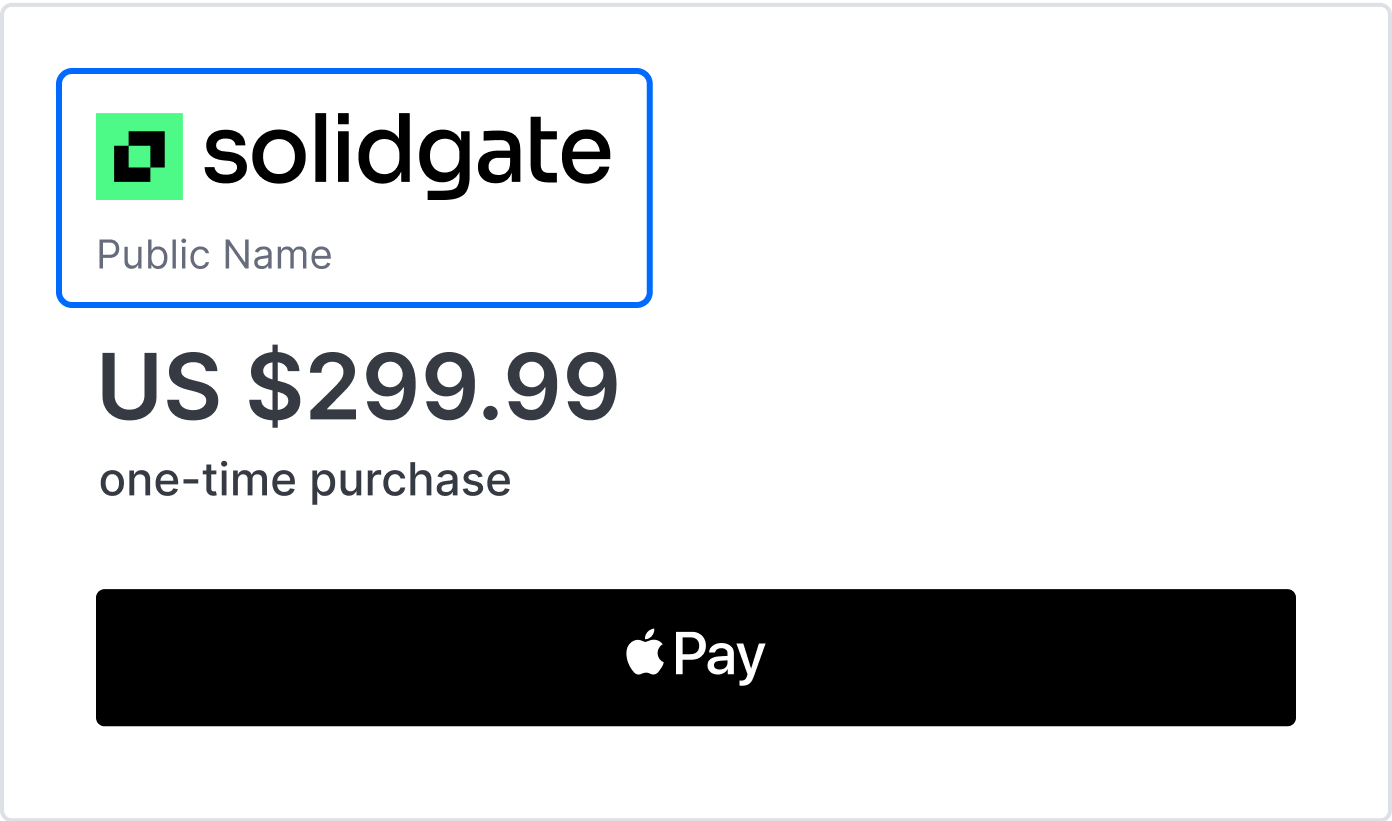
You can define the channel logo (JPEG, PNG, or GIF up to 1024 kb), contact us for assistance.
The new logo is updated within 10 minutes after the request is processed.Currency values
The amount and currency of the payment are displayed in two places on the payment page, with the currency sign for popular currencies instead of the ISO currency code.
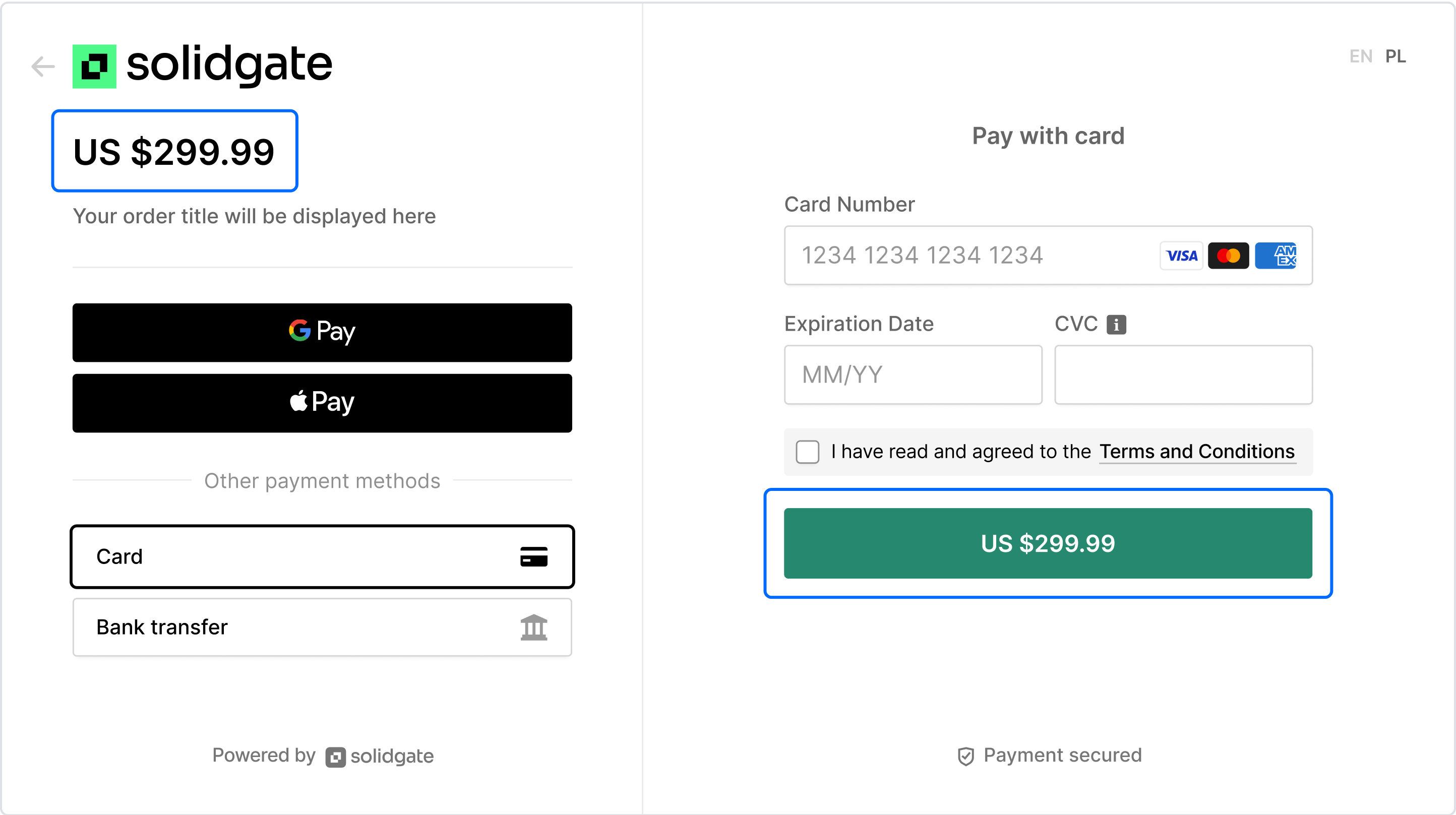 Actual currency display depends on customer locale and is built on top of (Intl)
standard
Reference
.
For example, if a customer needs to pay 100 euros, they see 100 € in Germany and €100 in the United Kingdom, matching the format natural to each locale.
Actual currency display depends on customer locale and is built on top of (Intl)
standard
Reference
.
For example, if a customer needs to pay 100 euros, they see 100 € in Germany and €100 in the United Kingdom, matching the format natural to each locale.
Order information
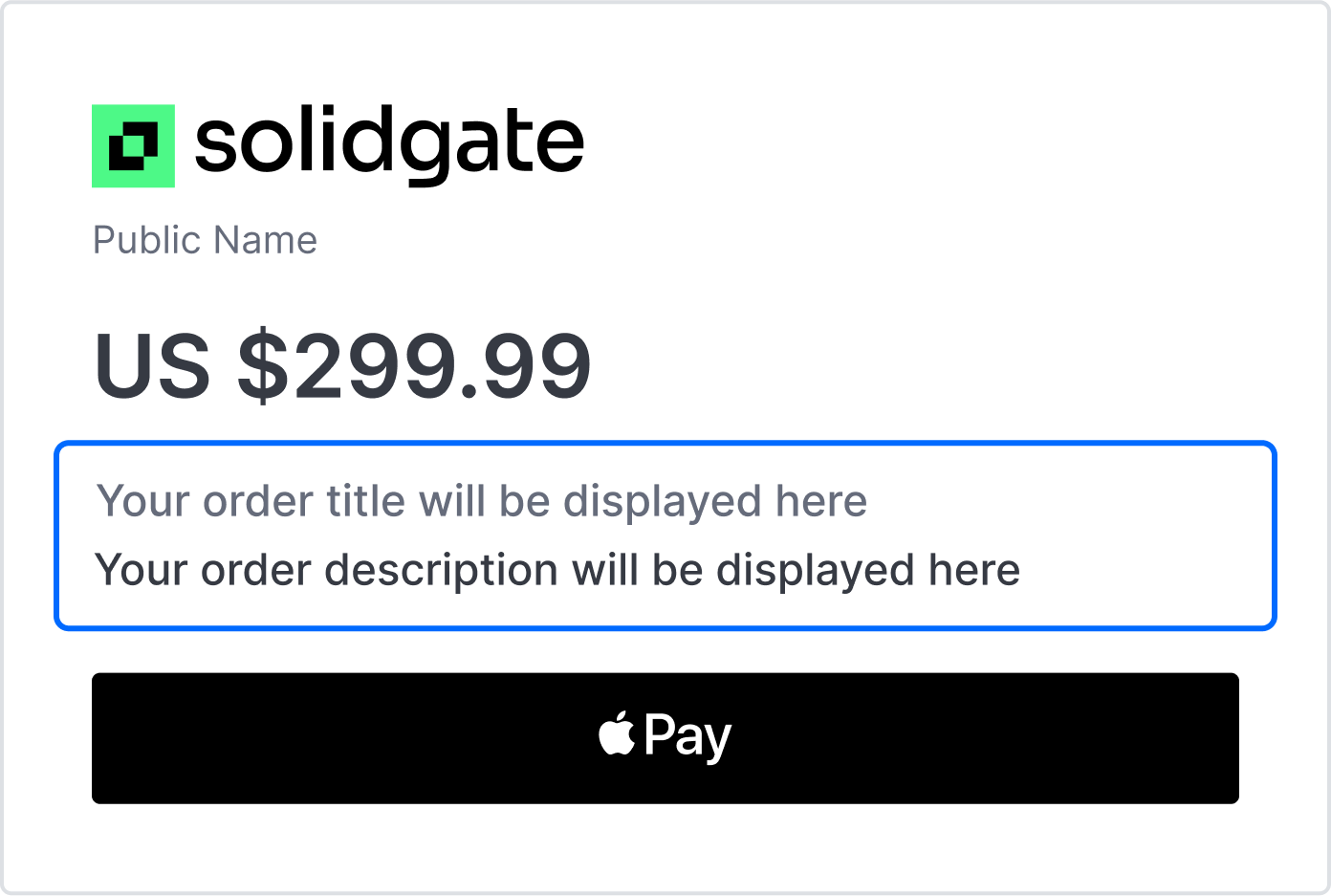
Merchant should transmit the order title and description as part of the information sent when requesting the payment page.
If the merchant uses the subscription flow, there is also information about it depending on the scenario:
- presence or absence of a trial
- period of charges
Payment fields
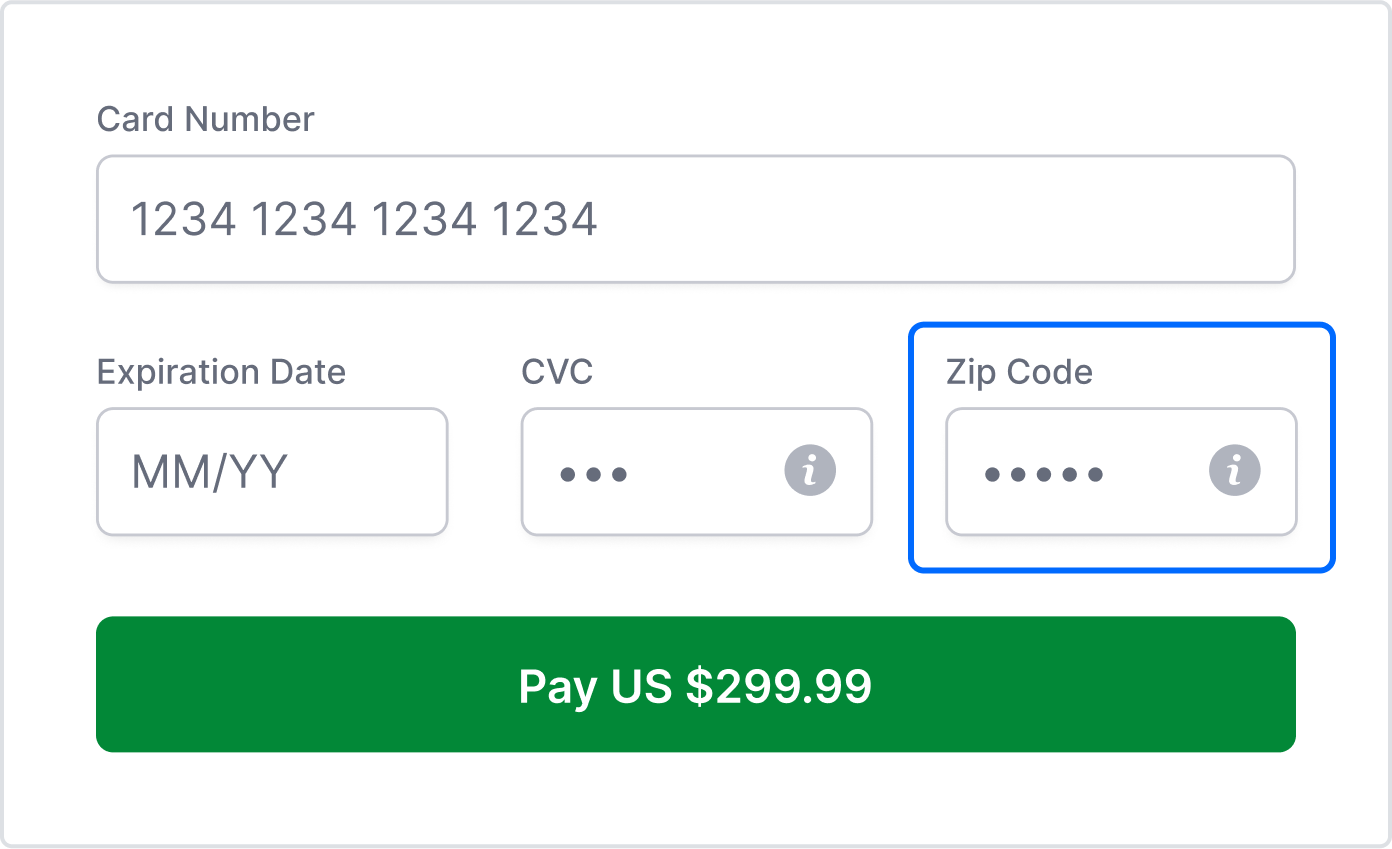
These fields are required to make card payments.
Card payments require the card number, the card expiration date, and the CVV. The form may contain other fields, such as the cardholder’s name, ZIP code, CURP, and others.
Digital wallets
The Payment Page displays Apple Pay and Google Pay buttons.
- Apple Pay works on supported Safari versions and non-Safari browsers via QR code with iOS 18+.
- Google Pay works across all modern browsers.
To disable Apple Pay or Google Pay on the Payment Page or Payment Link, contact us
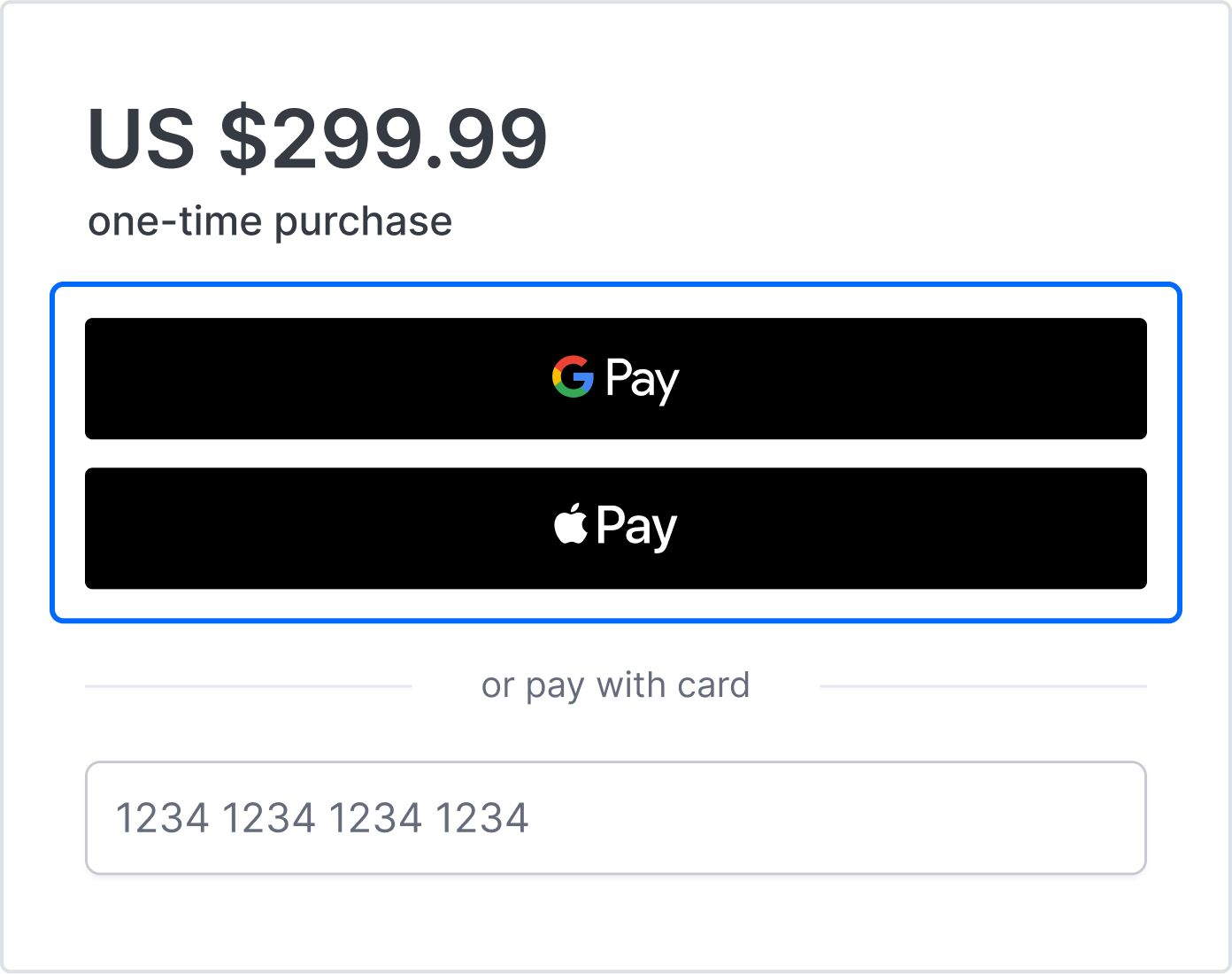 When Payment Link is opened inside a messaging app's built-in browser, such as Telegram or Viber, or when Payment Page is embedded in a WebView inside your own app, Google Pay may appear but silently fail to complete the payment, so advise customers to open the link in their default browser or keep card payment available as a fallback.
Alternative payments
The Payment Page serves as a unified portal that streamlines the process of online transactions by offering multiple payment methods without the need for separate integrations.
Supported payment methods, which are available, according to customer locale, include card payments, Apple Pay or Google Pay.
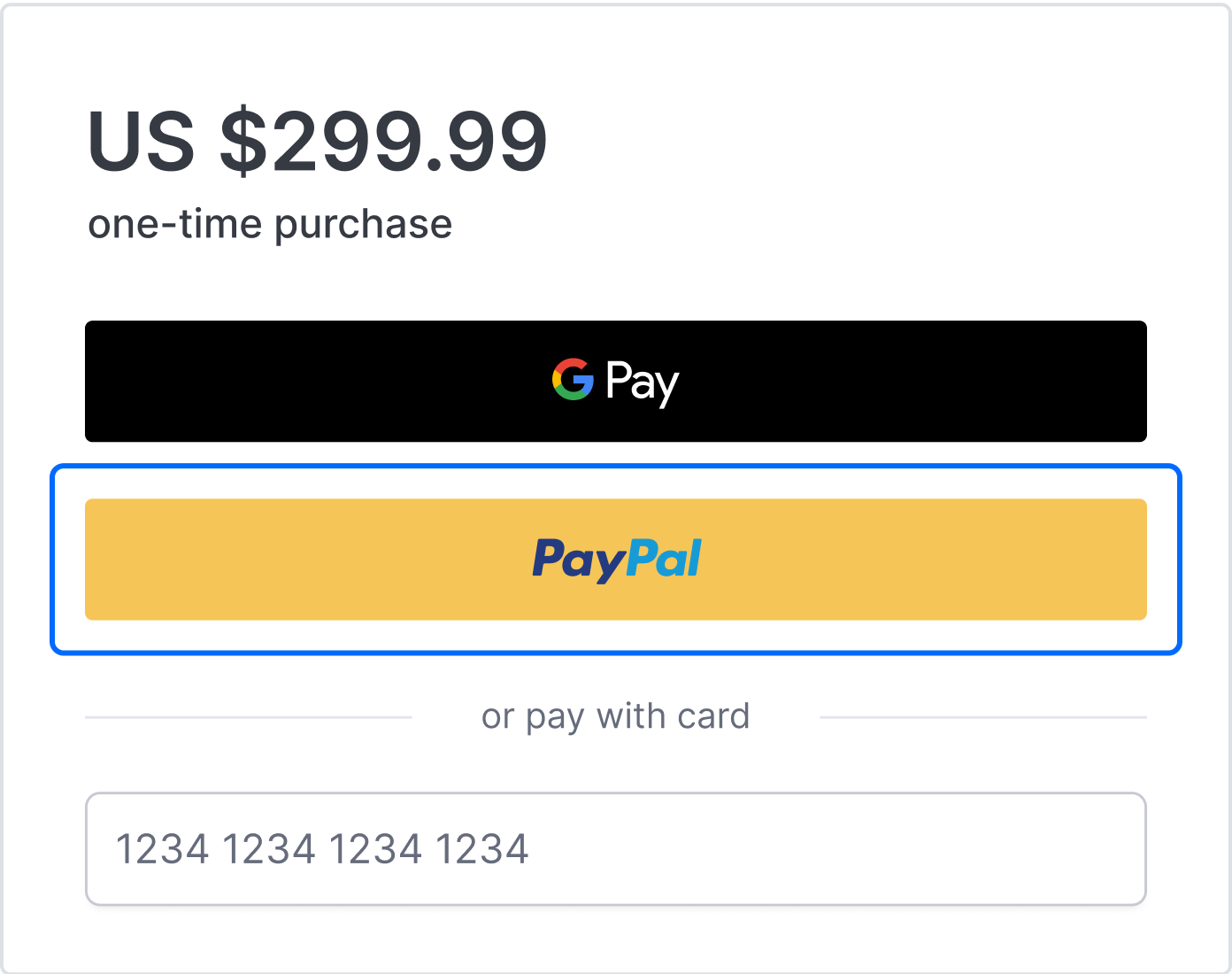
The available alternative payment methods are tailored to customer locales, offering region-specific options for a familiar and seamless checkout experience.
| Alternative methods | Currency code | Country code |
|---|---|---|
 Alipay
|
CNY | CHN China |
 Bizum
Bizum
|
EUR | ESP Spain |
 BLIK One-time
BLIK Pay Later
BLIK One-time
BLIK Pay Later
|
PLN | POL Poland |
 GCash
GCash
|
PHP | PHL the Philippines |
 iDEAL | Wero
|
EUR | NLD the Netherlands |
 Klarna
|
AUD , CAD , CHF , CZK , DKK , EUR , GBP , HUF , MXN , NOK , NZD , PLN , RON , SEK , USD | Global AT, AU, BE, CA, CH, CZ, DE, DK, ES, FI, FR, GB, GR, HU, IE, IT, MX, NL, NO, NZ, PL, PT, RO, SE, SK, US |
 MB WAY
|
EUR | PRT Portugal |
 MobilePay
|
DKK , EUR | DNK Denmark, FIN Finland |
 Pay by Bank
|
EUR , GBP | GBR the United Kingdom, DEU Germany, NLD the Netherlands, ESP Spain, FRA France |
 WeChat Pay
|
CNY | CHN China |
Terms and conditions
There is an option to add a link to your policies, the link is attached to the checkbox.
If the terms and conditions are not set up, the payment page does not contain the block about them.
To meet legal and operational website requirements, consider including your terms and conditions in the payment page.
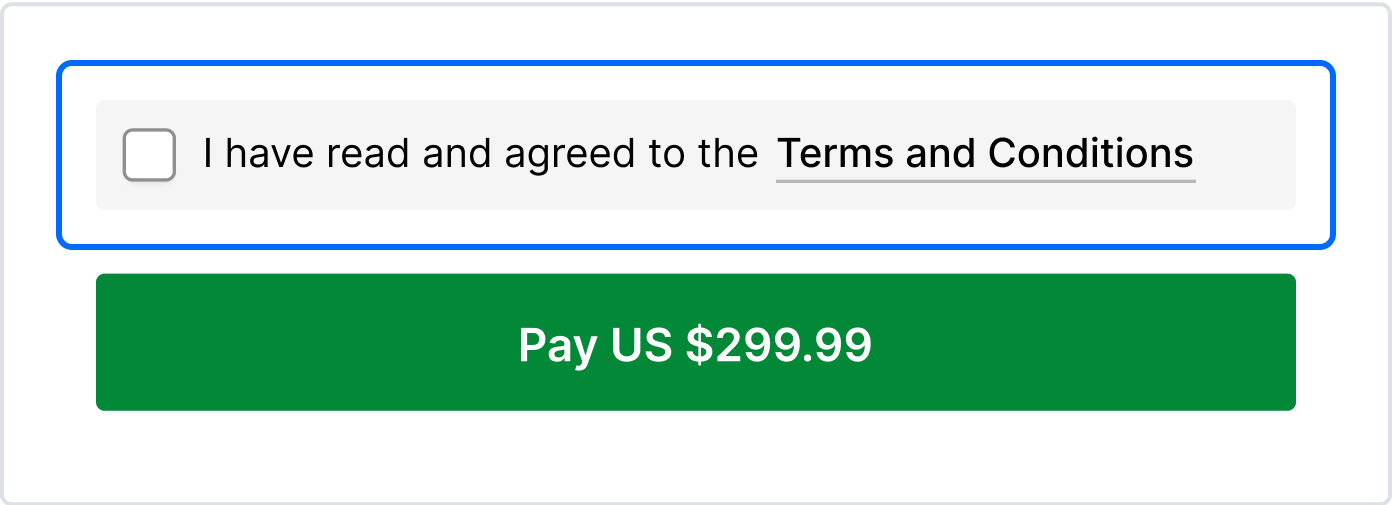 By default, the checkbox is selected when the payment page loads. Pass
 terms_accepted_by_default: false to show it unchecked, so the customer must select it before paying.
Legal information
In a subscription flow, it is necessary to inform the customer that clicking the payment button implies agreement to the subscription.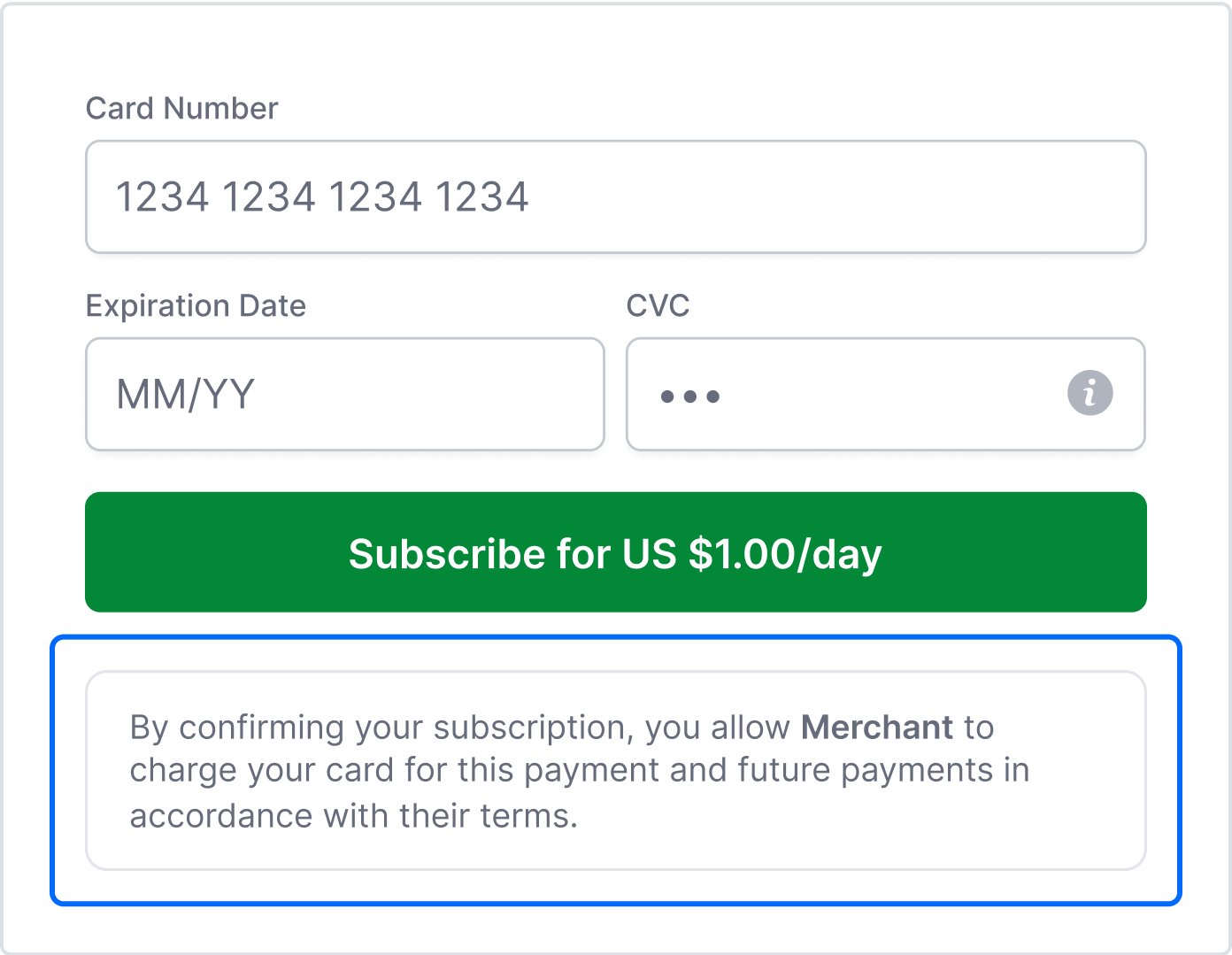 Example
By confirming your subscription, you allow merchant name to charge your card for this payment and future payments in accordance with their terms.
Example
By confirming your subscription, you allow merchant name to charge your card for this payment and future payments in accordance with their terms.
Back URL
The Back URL is essential for improving the customer experience during online payment processes. It allows customers to return to the merchant’s site from both the payment page and the status page after payment.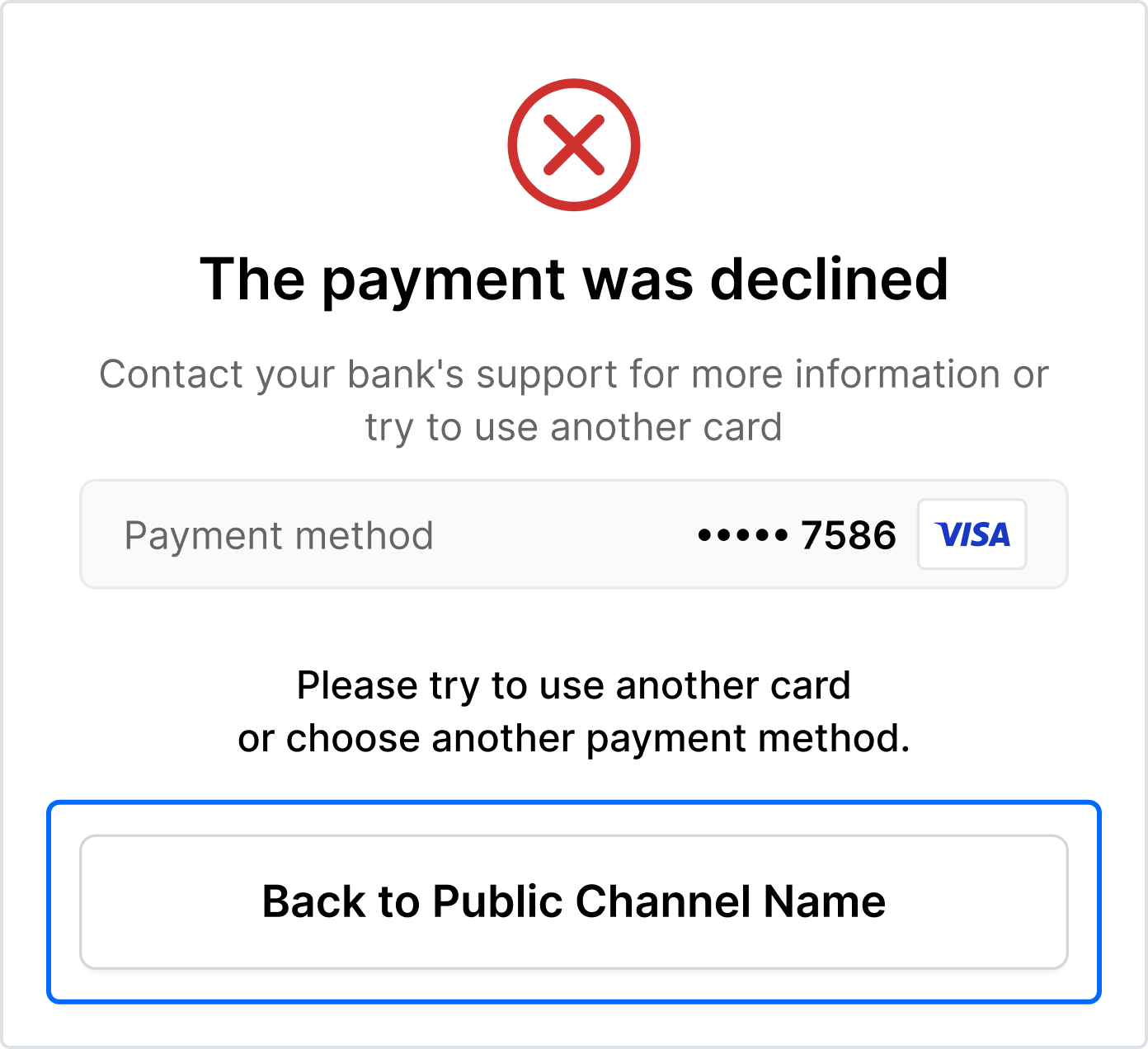
The typical order of actions is:
- Open the merchant site.
- Choose an item for purchase.
- Go to the payment page.
- Click on the Back button or link to return to the merchant site.
Also, note the maximum limit of 15 characters for Back to {{merchant name}}.
If the merchant name exceeds 15 characters, it is displayed as Back to website.