
| Countries | China (CN) |
| Currencies | Chinese Yuan Renminbi (CNY) |
| Min amount | 0.01 CNY |
| Max amount | 3,000.00 CNY |
| Integration type | API v1 |
| Payment Page | |
| Payment Link |
| One-time | Yes | one-time |
| 1-click | Yes | unscheduled |
| Recurring | Yes | unscheduled |
| Unscheduled | Yes | unscheduled |
| Refund | Yes |
| Partial refunds | Yes |
| Multiple partial refunds | Yes |
| Chargeback | No |
Alipay, the flagship digital wallet of Ant Group, leads China's payment market with over 1.2 billion consumers. It enables simple, safe, and real-time payments via QR codes, mobile authorization, or web platforms.
Supporting Alipay is key for merchants to connect with China’s largest and most engaged digital consumer base.
Principle of operation
Alipay supports both one-time and recurring payment flows, providing flexibility for a range of business models.
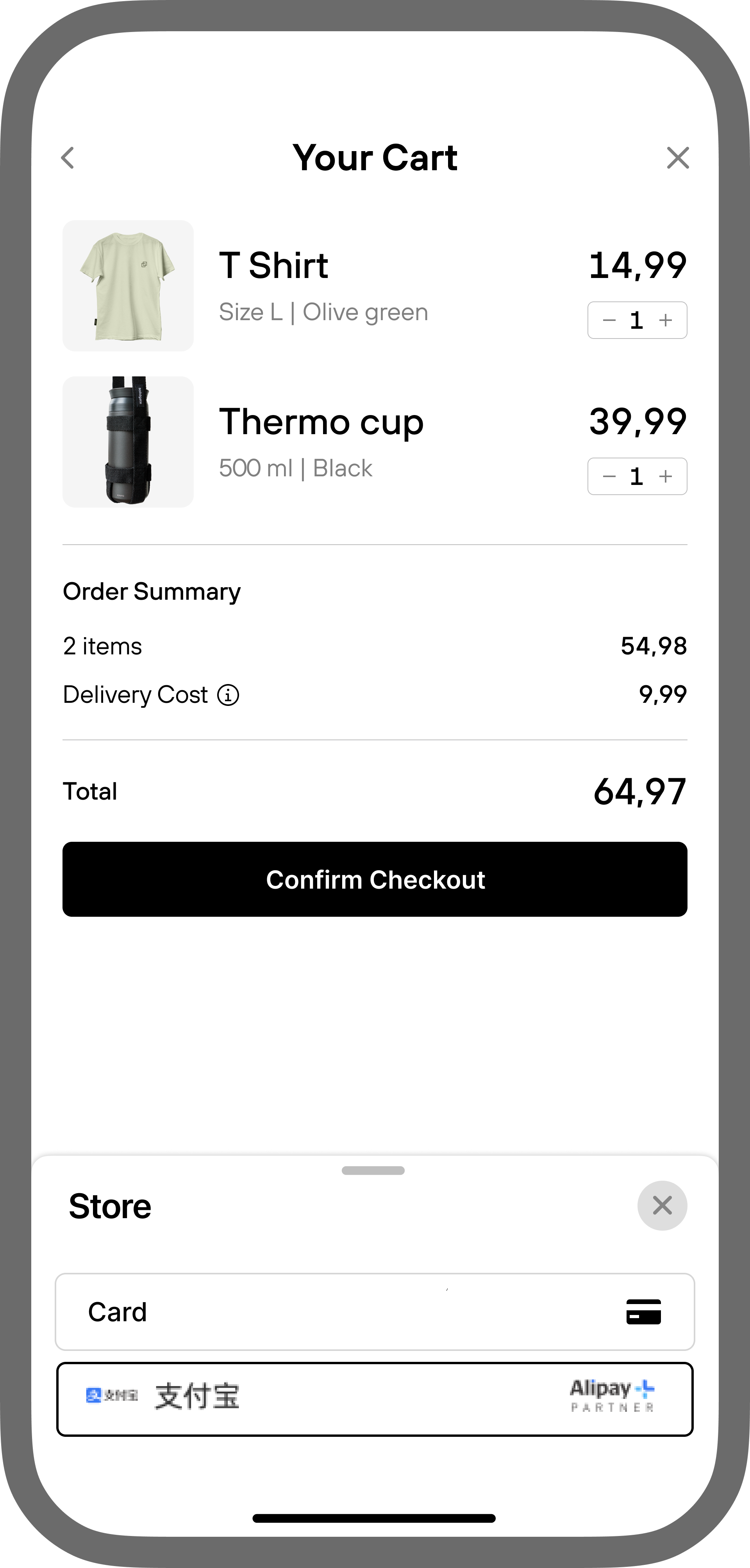
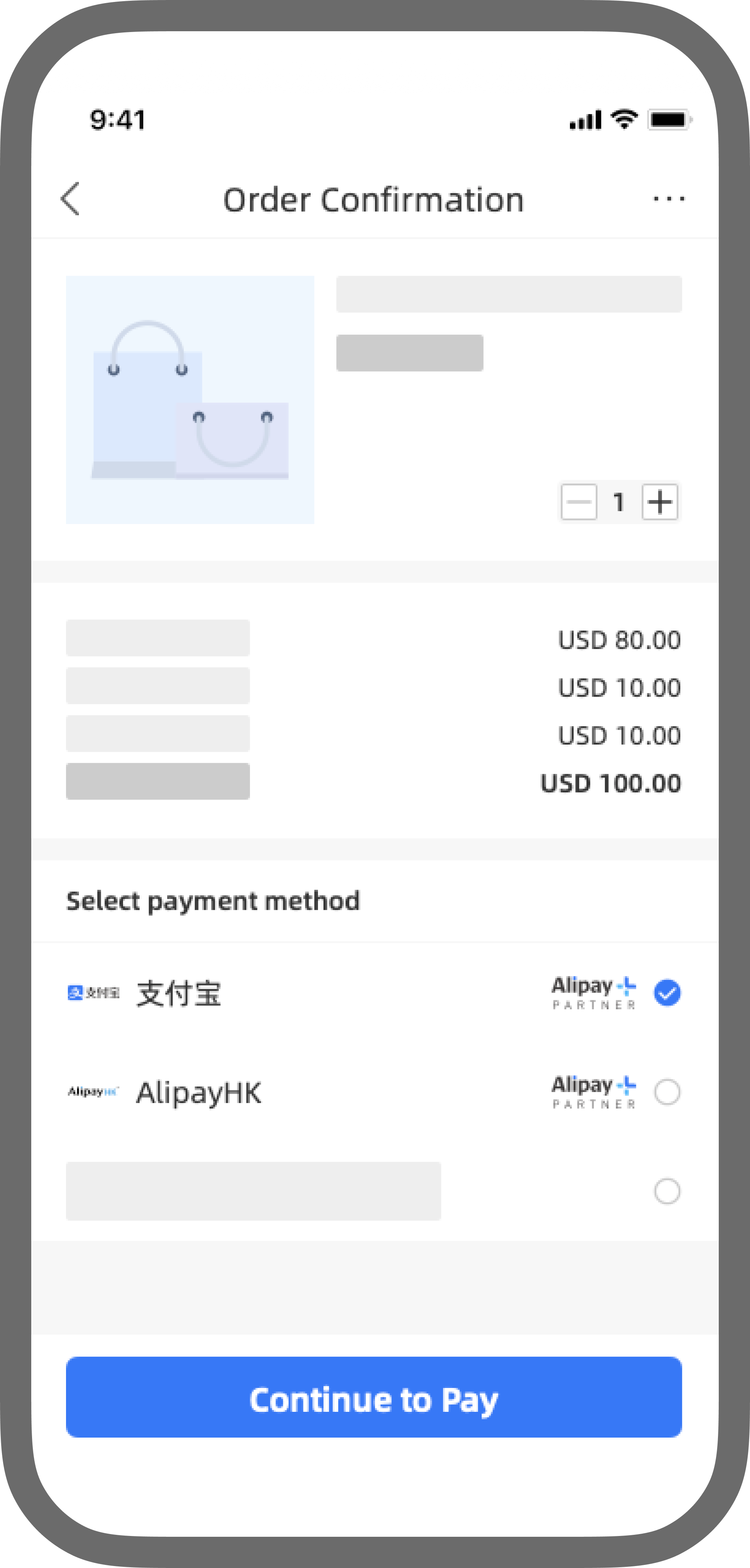
Payment The payment method is not saved with the merchant, and a consumer is required to authenticate themselves each time a one-time purchase is requested. Mobile- Selection at checkout
Customer selects Alipay as the payment method at checkout. - Authentication and authorization
Customer is redirected to their app to confirm this payment method. - Payment initiation
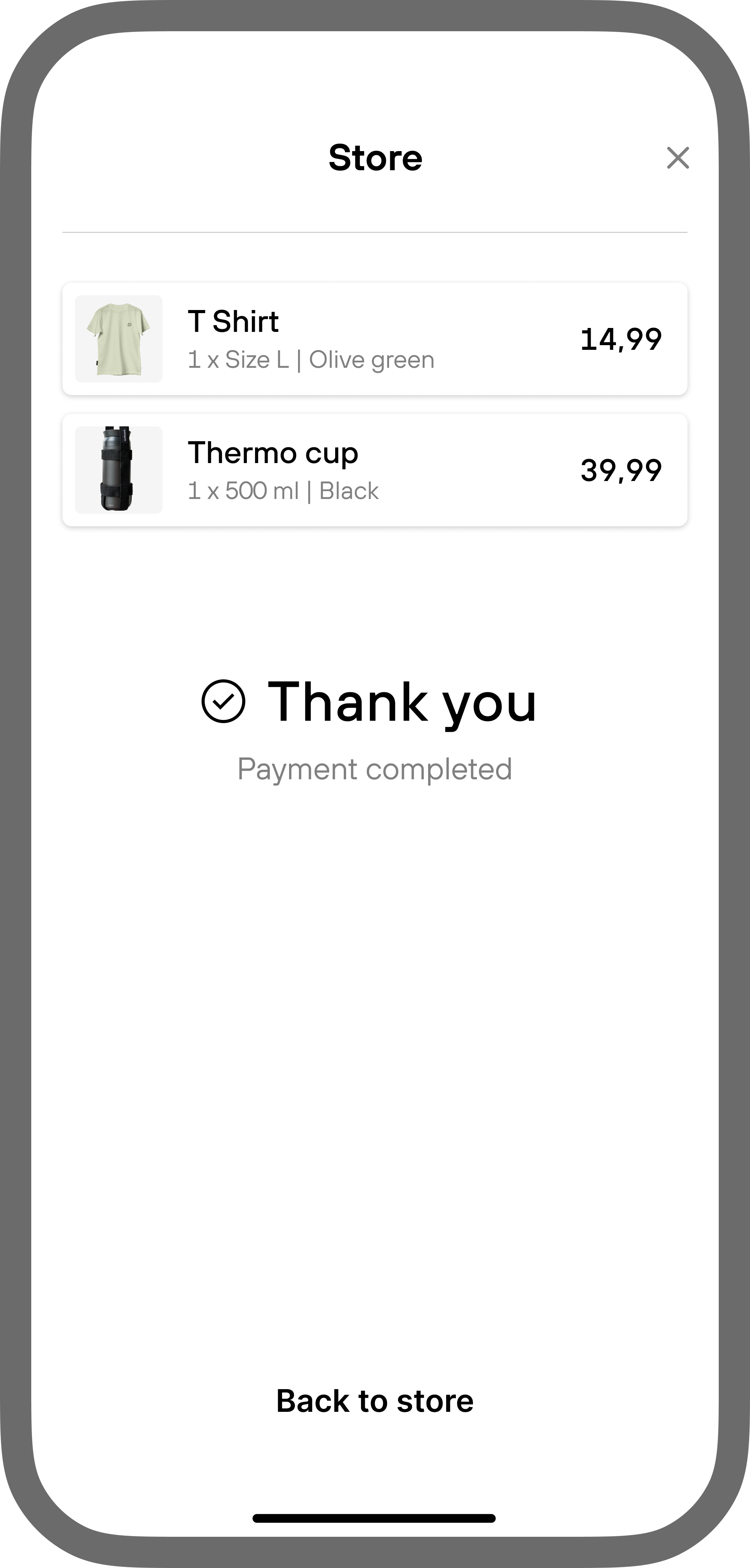
Once the payment is authenticated in the app, the transaction is processed seamlessly. - Merchant notification
Merchant receives a notification Webhook confirming the payment status.
 Desktop
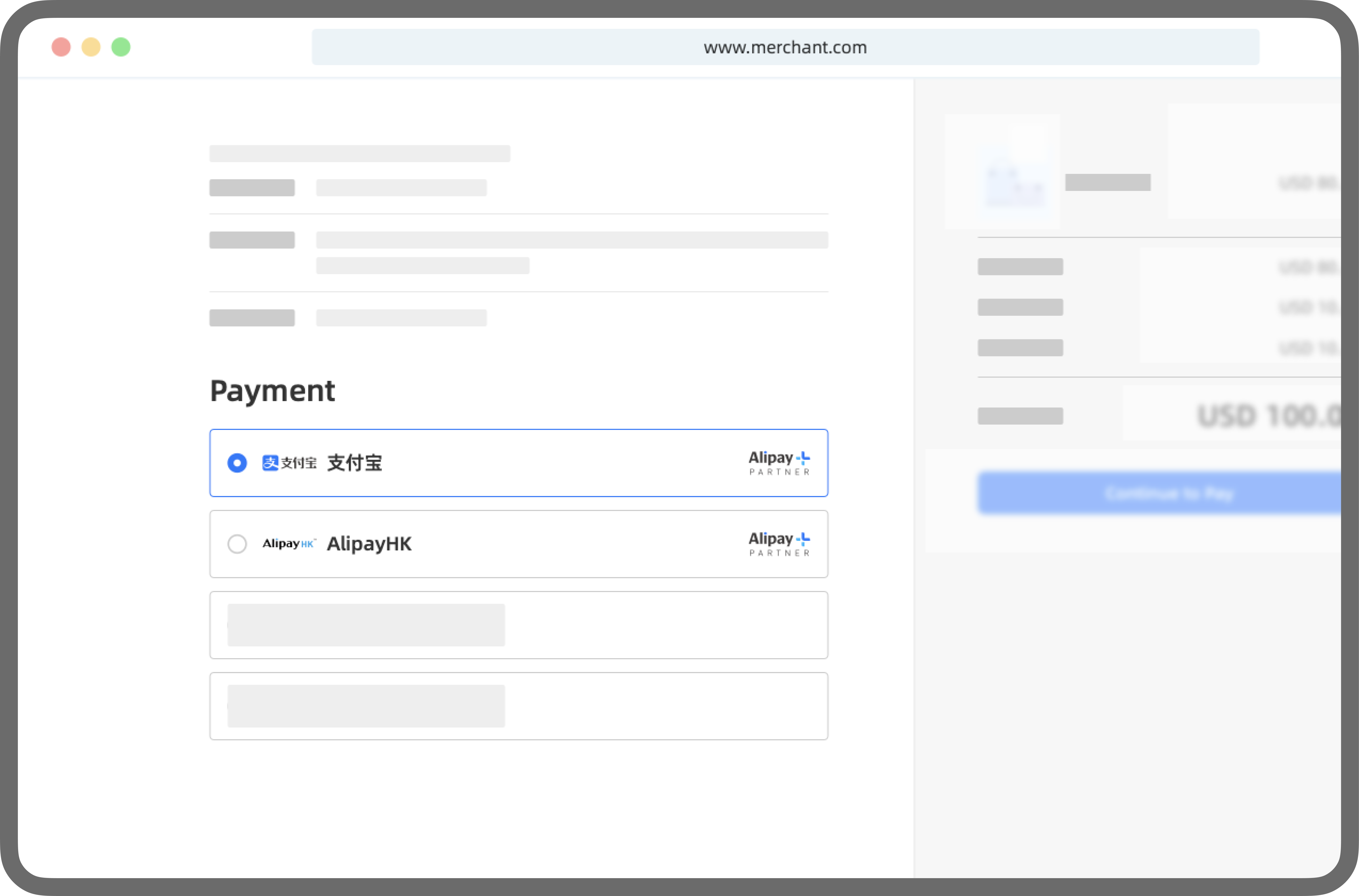
- Selection at checkout
Customer selects Alipay as the payment method at checkout. - Authentication and authorization
Customer is redirected to the Alipay payment page, which contains a QR code to be scanned with the Alipay app to confirm payment. - Payment initiation
Once the payment is authenticated in the app, the transaction is processed seamlessly. - Merchant notification
Merchant receives a notification Webhook confirming the payment status.
 Recurring payments
Both follow-up CIT and MIT payments are available with the same token. For recurring payments, customers can easily cancel the mandate at any time within their app. In such cases, Solidgate cancels the subscription and notifies the merchant. The notification about a cancelled mandate is only available to payment providers that can notify when the payment method is no longer linked.
Only one active mandate is allowed per customer per merchant. Since a mandate is generated only during the initial payment, any upsells or additional subscriptions must use the existing recurring token.
- If a
tokenexists, use it for the upsell - If no
tokenexists, run the initial payment flow to create a new mandate
- Selection at checkout
Customer selects Alipay as the payment method at checkout and enters phone number. - Authentication and authorization
Customer is redirected to Alipay app to confirm the payment and authorize future automatic debits ("sign mandate"). This process registers the local payment method with the merchant. - Payment initiation
Once the payment is authenticated in the app, the transaction is processed seamlessly. - Merchant notification
Merchant receives a notification Webhook confirming the payment status.
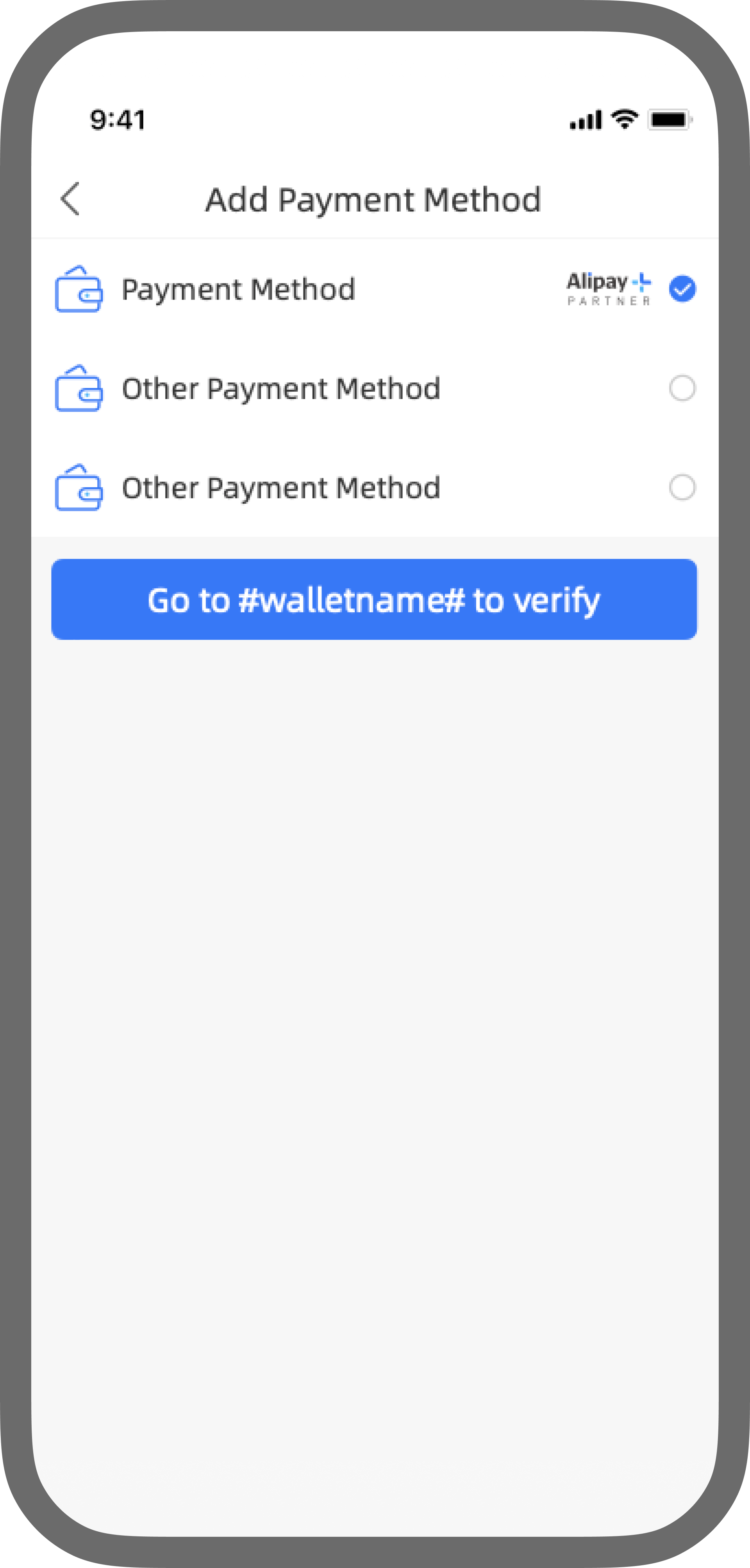 Desktop
- Selection at checkout
Customer selects Alipay as the payment method at checkout and enters phone number. - Authentication and authorization
Customer is redirected to the Alipay payment page, where a QR code is displayed for scanning with the Alipay app to confirm the payment and authorize future automatic debits (“sign mandate”). This process registers the local payment method with the merchant. - Payment initiation
Once the payment is authenticated in the app, the transaction is processed seamlessly. - Merchant notification
Merchant receives a notification Webhook confirming the payment status.
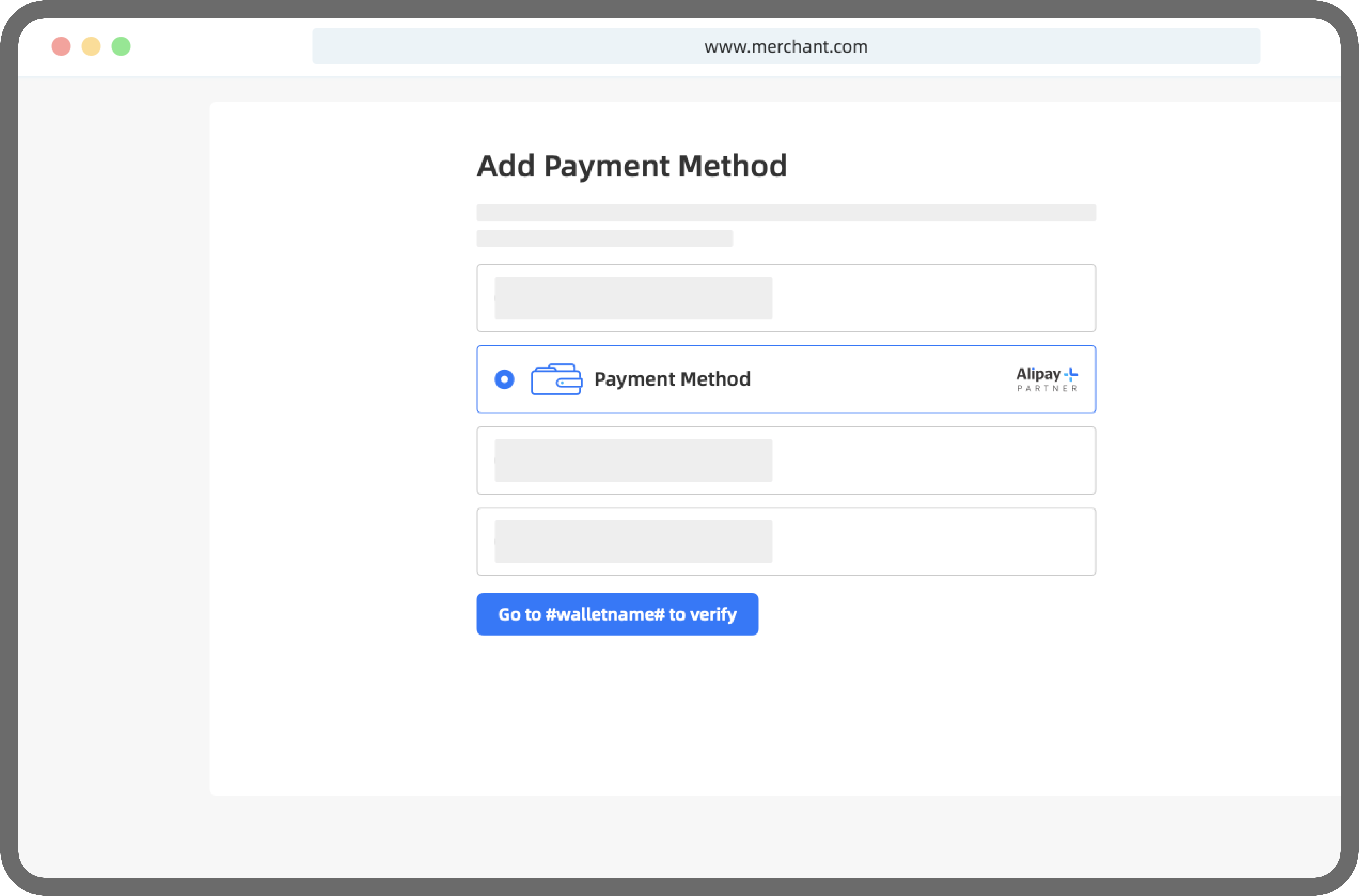
Brand requirements
Merchants must display the Alipay + Partner brand and the wallet brand based on available image area, and apply the required changes on both desktop and mobile platforms before and after the authorization screen:
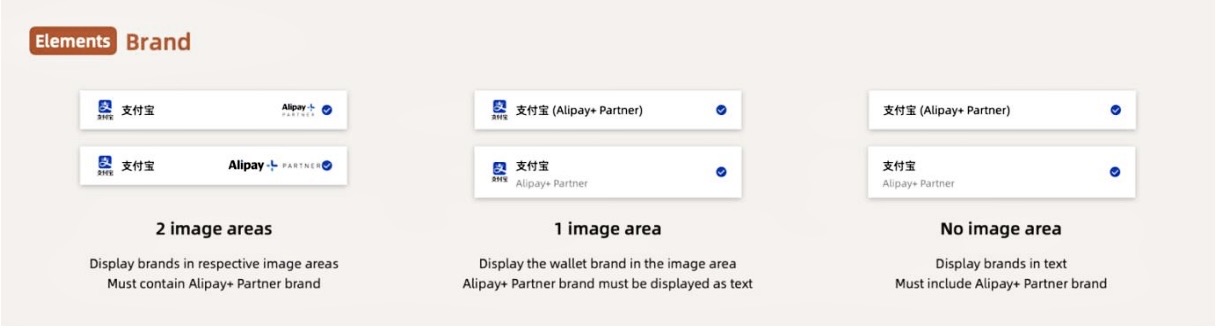
- 2 image areas: Show wallet brand and Alipay+ Partner image.
- 1 image area: Display wallet brand as an image and Alipay+ Partner brand as text.
- No image area: Display both brands as text.
Merchant should display the wallet brand name on the payment page as below:
支付宝Alipay
 Download asset *zip
Alipay + Partner
Download asset *zip
Alipay + Partner
 Download asset *zip
Alipay + Partner blue
Download asset *zip
Alipay + Partner blue
 Download asset *zip
After authorization is successful, the merchant should display the payment method along with Alipay + Partner wallet branding as below.